Data Services Designer
Data Services Designer (DSD) is the central, user-friendly interface for configuring and managing all aspects of your organization's data. It brings together authorization, data synchronization, scripting, modeling, dashboards, and data governance into one coherent experience, enabling both IFS internal product teams and your own users to operate independently and effectively. It is built to operate within a secure, tenant-isolated architecture.
DSD is designed to support three different types of users:
- Administrators who manage authorization and perform operational tasks such as Data Sync.
- End Users who have read-only access to resources such as Data Sync jobs.
- IFS Data Product Developers (currently, internal IFS R&D) who use DSD as a workspace for building and configuring data products during development.
Note
The development capabilities within DSD are supported only for IFS Data Product Developers (currently, internal IFS R&D). Only the tasks and capabilities related to Administrators and End Users are made available to you.
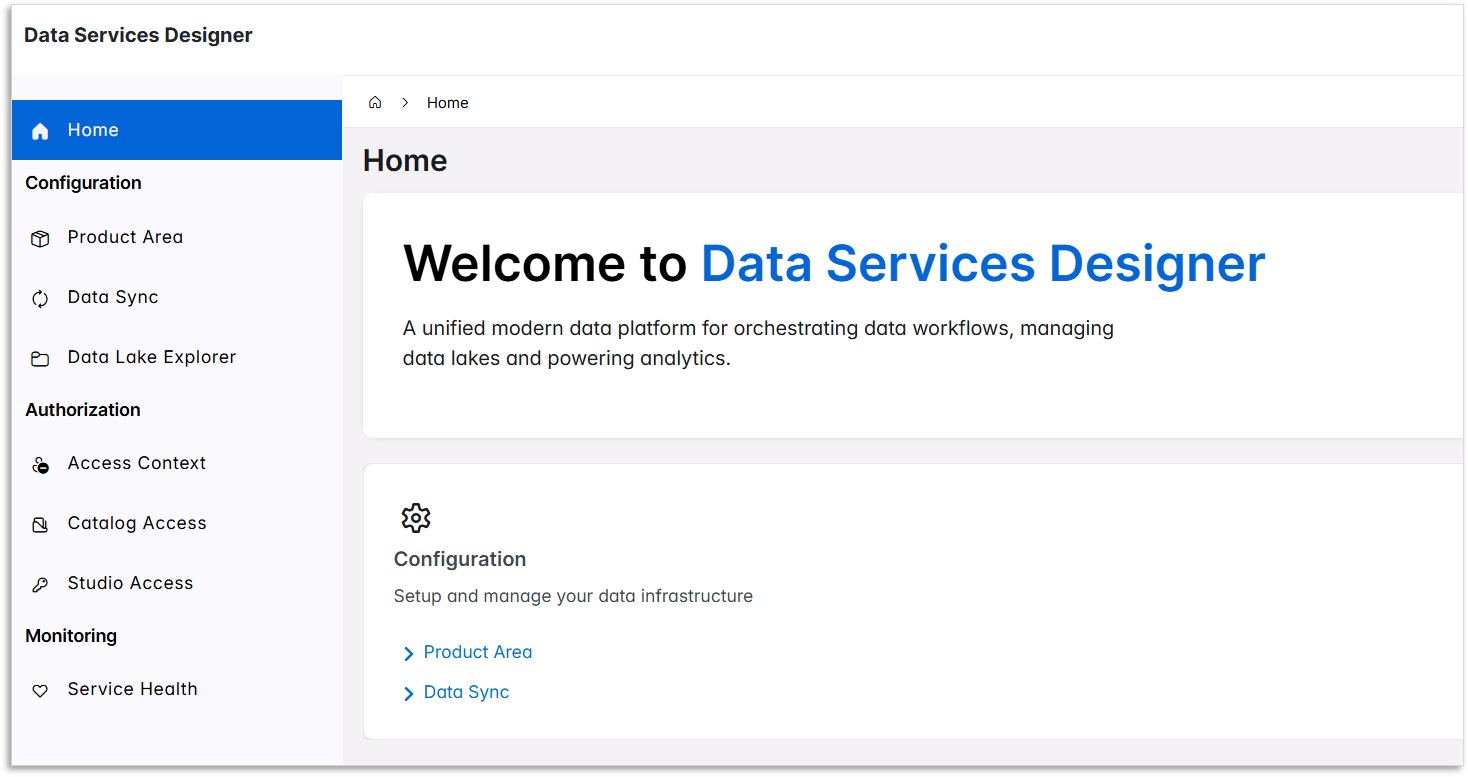
Core Capabilities of Data Services Designer
1. Manage Access and Capabilities
- DSD ensures that users see and interact only with the features and data they are entitled to.
- Users need the appropriate security privileges, so that sensitive data movement is performed only by authorized personnel.
2. Synchronize Data Products, Tables, and Data Lake Folders
- Data Sync allows you to transfer selected data from the IFS.ai Data Lake to your organization's own environments.
The following capabilities (3 to 7) are available only to IFS Data Product Developers (currently, internal IFS R&D).
3. Data Product Creation & Management
- Create product areas and packages to organize data artifacts.
- Import tables (from data streaming or Trino-created sources).
- Package them as ready-to-use, reusable data products.
4. Semantic Modeling
- Create Trino-based semantic views.
- Define business-friendly representations of data.
5. Transformation & Scripting
- Run and manage Spark scripts for data preparation and enrichment.
6. Dashboard & Visualization Creation
- Build and publish dashboards.
- Manage permissions and link dashboards to data products.
7. Retention & Governance Configuration
- Set retention policies and data maintenance rules.
Note
DSD acts as a management interface for operational tasks. Jobs and services configured through the interface, such as Data Sync jobs, execute independently within the platform services, ensuring continuous and uninterrupted processing.