Lobby Elements
A Lobby provides an at-a-glance view of information in IFS Cloud based on your role or the process you are working in. You will clearly see what to focus on and what needs your attention, and you can quickly see problems areas or where there are exceptions to deal with.
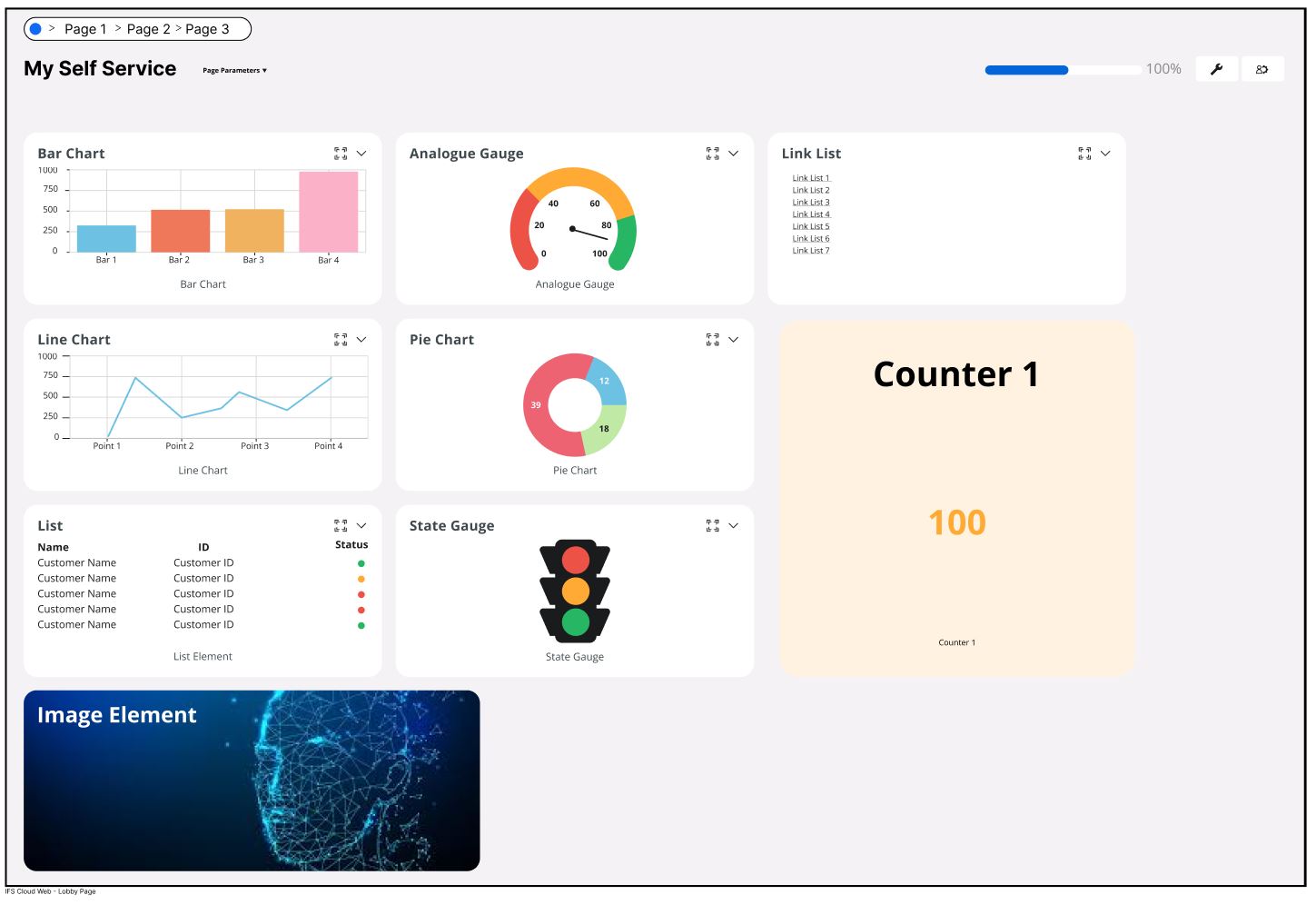
Based on the administrative rights provided, you will have the option to click on components within lobby elements, which would allow you to navigate to pages defined by the administrator, regardless of whether they are located inside or outside of the IFS cloud.
For more details on how to use this feature, refer to the Lobby Page section in the user guide.
Different types of lobby elements in IFS Cloud
- Counter Element
- List Element
- Matrix Element
- Links Element
- Pie Chart Element
- Bar Chart Element
- Line Chart Element
- Radar Chart Element
- State Gauge Element
- Analog Gauge Element
- Image/Text Element
- Image Element
- Funnel Chart Element
- Web Content Element