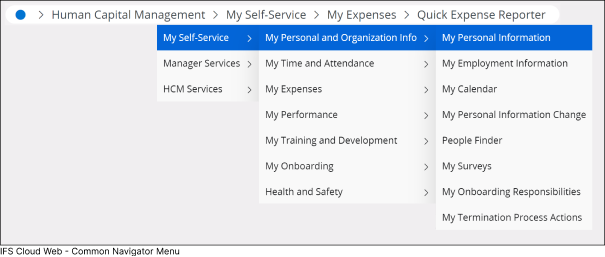
Breadcrumbs
Breadcrumbs serves the following purpose within IFS Cloud :
- It Indicate your current location in the application, revealing the navigation path you followed to reach the current page.
- Facilitate swift navigation between functions within the application area you are actively engaged. Each segment of the breadcrumbs features a drop-down list, allowing you to view other navigator nodes under that folder.
 |
||
 |
Clicking the Caret-Right icon next to each breadcrumb enables you to view underlying folders and pages. This includes folders and pages positioned at the same level in the navigator structure. |
|
 |
Click the top node in the breadcrumbs to navigate to your current home page within IFS Cloud. |
|