Main Navigator
|
Access Main Navigator |
||
 |
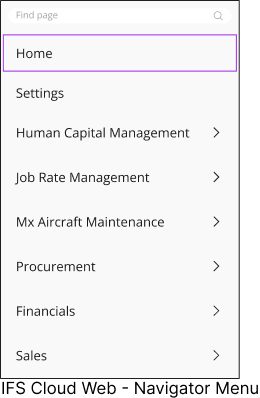
You can access Main Navigator using the Main Navigator icon located in the Navigation Bar. |
|
 |
|
|||||||||||||||||||||||||||||||||||||||

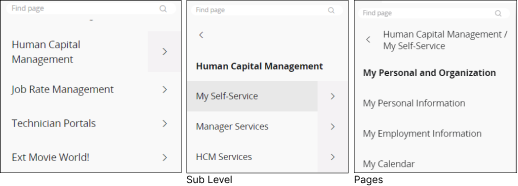
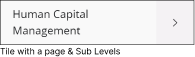
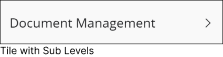

Short Keys Associated with Navigator Menu
 |
Open / Close the Main Navigator. |
 |
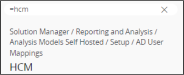
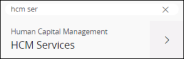
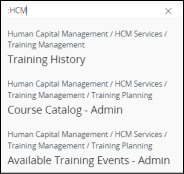
Move the focus to Find Page section in the Main Navigator. If the Navigator menu is closed, pressing the F key will open the Main Navigator with the focus on the Find Page section. |
 |
Once your focus is in the Main Navigator, use Up arrow key to move your focus up on the navigator tiles. |
 |
Once your focus is in the Main Navigator, use Down arrow key to move your focus down on the navigator tiles. |