Using the IFS Cloud Web Interface
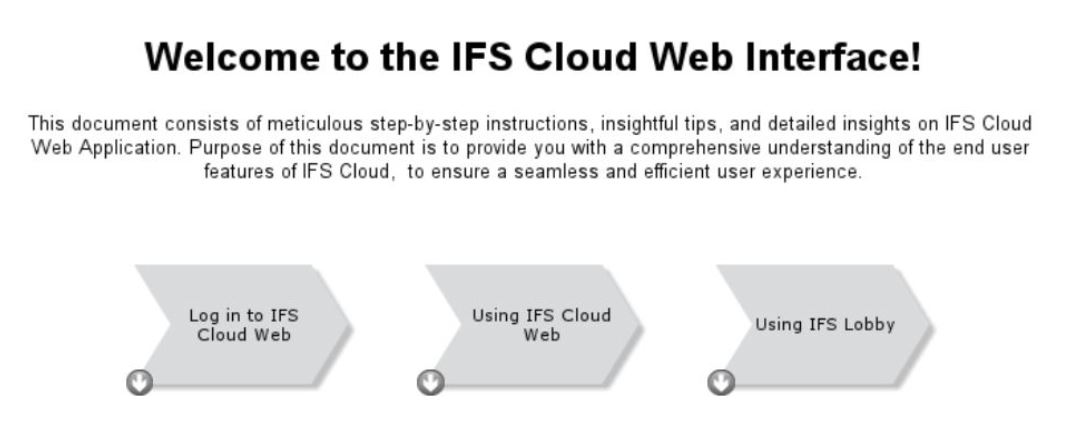
1. Log in to IFS Cloud Web:
- This section guides users through the process of logging into IFS Cloud Web. It includes instructions on accessing the login page, entering credentials (such as username and password), and any additional authentication steps.
- It also covers aspects like password recovery and account management for a comprehensive understanding of the login process.
2. Using IFS Cloud Web:
- This part of the user guide delves into the functionalities and features available within the IFS Cloud Web interface after a successful login. It covers the dashboard layout, navigation menus, and various tools available for users.
- It also includes detailed explanations on how to perform common tasks, access modules, and utilize different features within IFS Cloud Web. This section aims to provide users with a comprehensive understanding of the platform's capabilities.
3. Using IFS Lobby:
- The guide further explores the concept of IFS Lobby, explaining its purpose and role within the IFS Cloud Web interface.
- Topics covered in this section include how to navigate within the IFS Lobby, customize settings, and utilize specific lobby elements within this section.
- Additionally, instructions on accessing relevant information or initiating actions from the IFS Lobby interface would be part of this section.
The overall goal is to empower users with the knowledge and skills needed
to effectively navigate, utilize features, and optimize their experience
within the IFS Cloud Web environment.
Each section contributes to a holistic
understanding, ensuring users can seamlessly interact with the platform from
login to utilizing specific interfaces.