Using the Search Feature
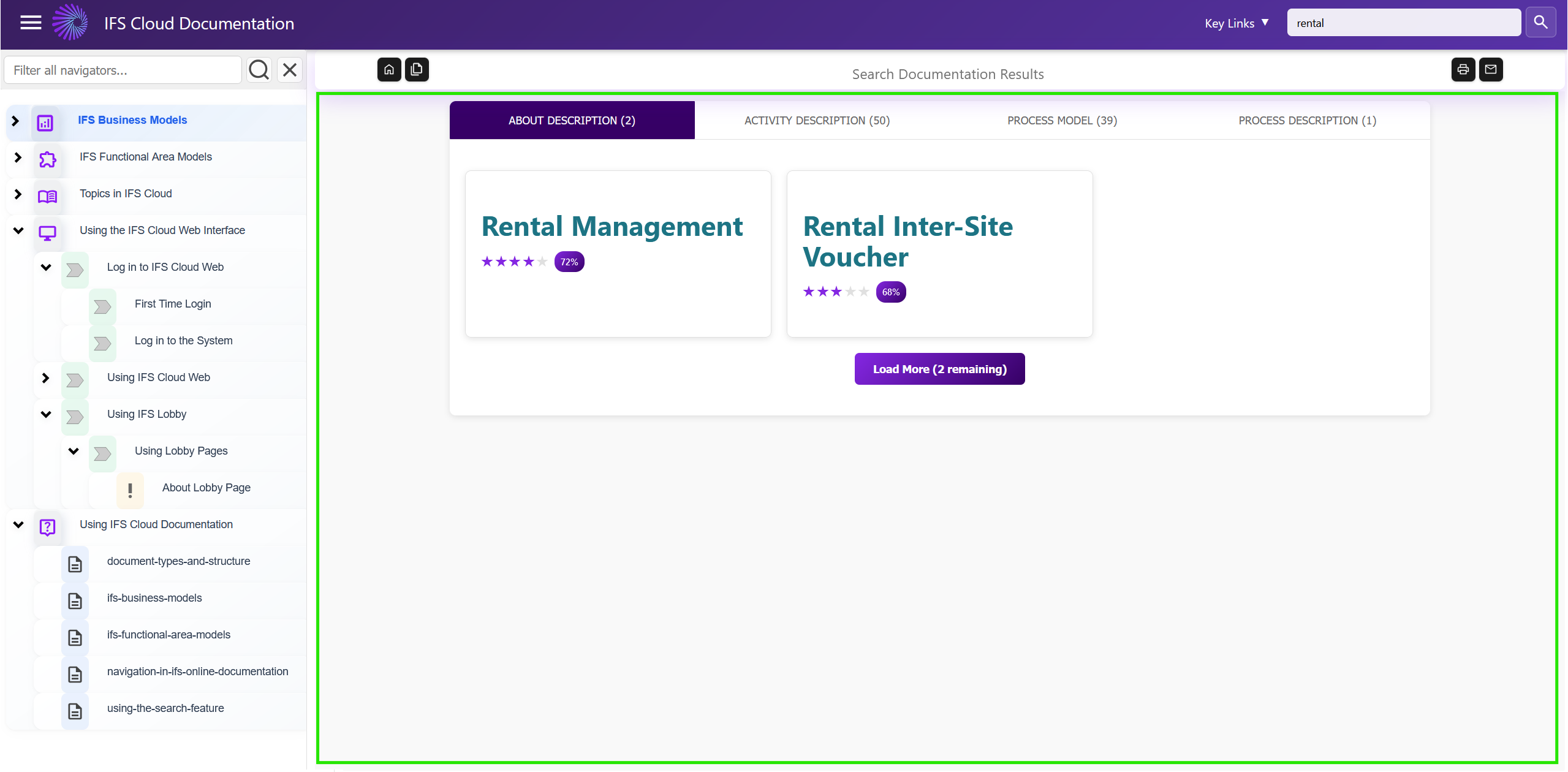
You can use this feature to search through the IFS cloud documentation, to locate a specific topic that you want. By using the list, you can limit the search to specific document types.
- Enter the word or term you are looking for in the Search field.
- Click (Find). All the files matching your search criteria will be displayed in a list. The list is sorted by
rank.

- Click on a link to access the related material. Click MORE to see more of the search result.
If needed, a brief explanation
of the query language is available, along with examples.