Workbench Enhancements
For full details of these enhancements see the PSO Workbench User Guide.
Bookmarks
A bookmark is a reference to a PSO page which can optionally include the selection of filters, time zone and dataset depending on the workspace of that page. The bookmarks menu will allow the user to go back to a bookmarked page by selecting it in the menu. The bookmark menu also allows the user to add and edit bookmarks. When adding or editing a bookmark the user will be able to modify the name and the icon of the bookmark which will be reflected in the bookmark menu. If the user is adding a bookmark they will also be able to include dataset, time zone and filters if they are relevant to that page. Bookmarks will also offer the user the option to undock a page in the same way that main pages can be undocked.
Itinerary Page
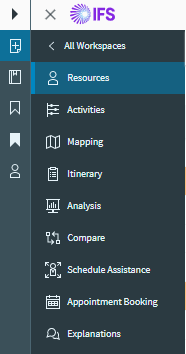
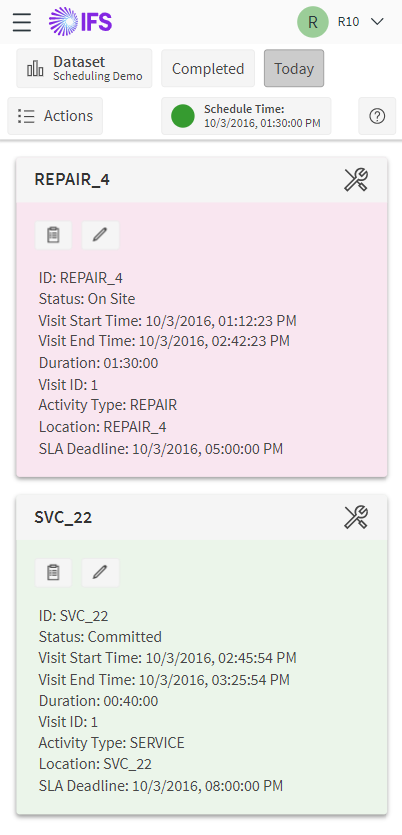
An Itinerary page has been added to the Scheduling workspace. It is intended to provide an end resource user (i.e. a user who is also a resource in the schedule) with a view of their current workload. The user is presented with a series of cards containing details of the activities allocated to the resource, displaying text details of the allocation. They can also perform basic actions such as logging on and progressing the status of an activity.
Context Based Lists
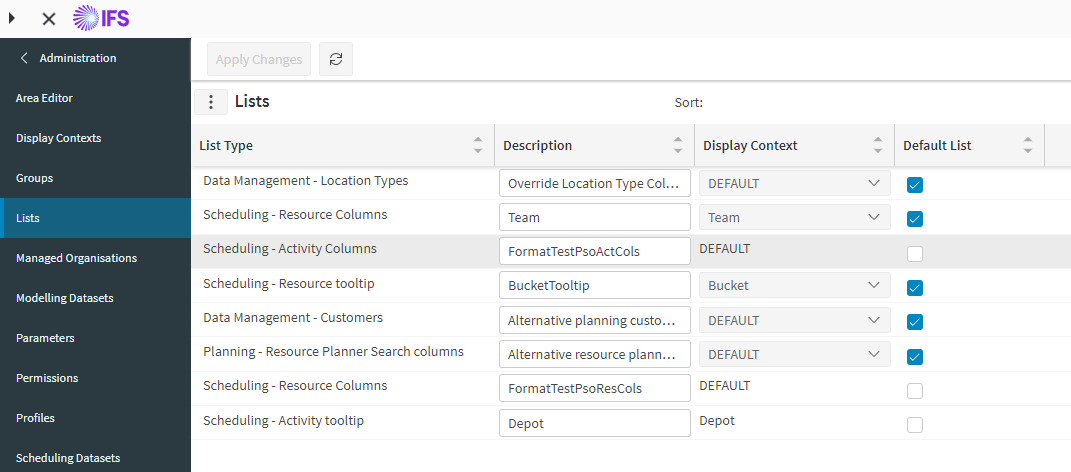
The particular list type to use can be configured via display contexts. Display contexts are specified against a list on the Lists page and can also be set against a dataset. For use of the tooltip and itinerary lists, the display context can be set against the activity, activity type, resource or resource types. For example, the activity tooltip could be configured to display different fields for depot activities.
Region Tree View
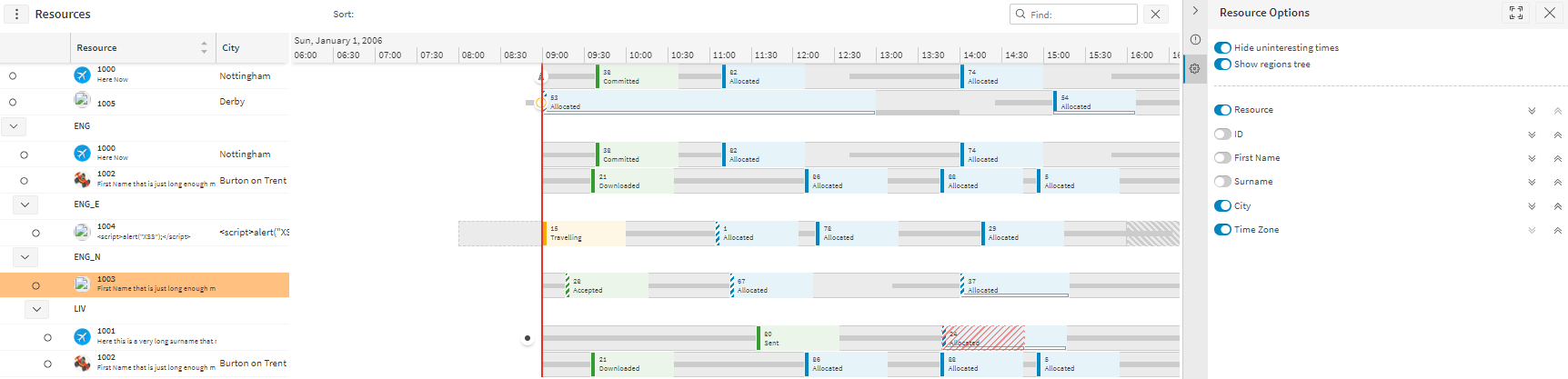
The Gantt in the Resources page in the Scheduling workspace can be viewed in a nested tree view based upon the regions of a given schedule. Viewing the Resources page in this view can be enabled by setting the parameter GanttShowRegions to true. This parameter can be edited in the Parameters page or with a toggle found in the Resource page options.
Minor Enhancements
- New permissions have been added to control whether a user can view information for all resources (ViewAllResources), all object groups (ViewAllObjectGroups) and whether they can view uncommitted activities (ViewUncommittedActivities). This functionality assists with the creation of end resource users for use with the Itinerary page (see above).
- Custom URLs can now be assigned a navigable_target_name attribute. If this is set, then this will be used as the 'target' when opening the URL. Any URLs with the same target will then open in the same tab or window. If no navigable_target_name is specified then a new window will be opened each time (the default behaviour).
- Break on and off events can now be manually created from the Workbench, when a resource's current shift contains an uncompleted scheduled break.
- The theme profiles list type has been removed and theme profiles are now fetched without the use of lists.
- When filtering to a row in a tree view, its child rows will now be displayed as partially filtered. Previously, they would not appear.
- A quick search has been added to the time zone selector in the Workbench.