Appendix: Time Patterns
Several screens require a Time Pattern. A Time Pattern may be just one period of time e.g. 'May 9th 00:00 to May 11th 00:00' or it may be a more complex pattern such as '07:00 to 19:00 every day except weekends'.
Time Patterns are entered using the following screen:
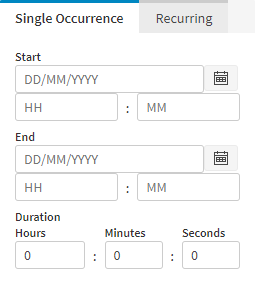
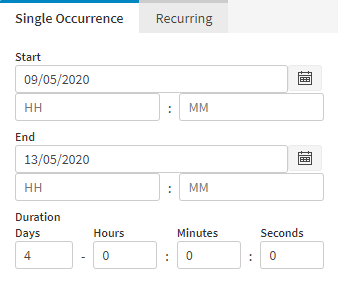
The Single Occurrence tab (shown above) will create a single period of time. By clicking on the input field or by clicking on the calendar icon to the right, you can select the start and end days. This is shown below:
For a recurring Time Pattern, select the Recurring tab:
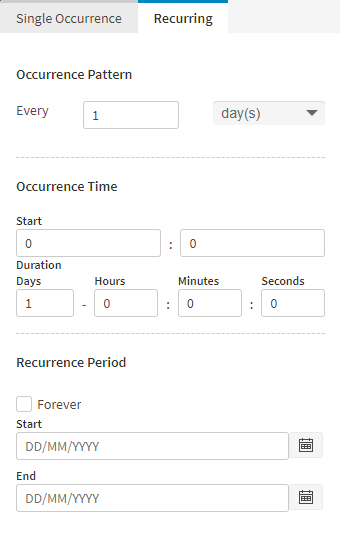
The Occurrence Pattern (at the top) specifies the repeating pattern of dates. The bottom section, the Recurrence Period, defines the start and end of the repeating pattern, whilst the Occurrence Time section in the middle defines the time of day and duration for each occurrence.