Updating Languages
The default language of the IFS Cloud application/ Use Place is English (en). The feature of enabling multiple languages for IFS Cloud is facilitated via a Build Place in the Build Studio of the Lifecycle Experience Center. To modify a Use Place with new language translations, the following steps need to be followed.
Note
Only a user with a "Technician" role can enable translations in the BP.
Enabling a Language Translation
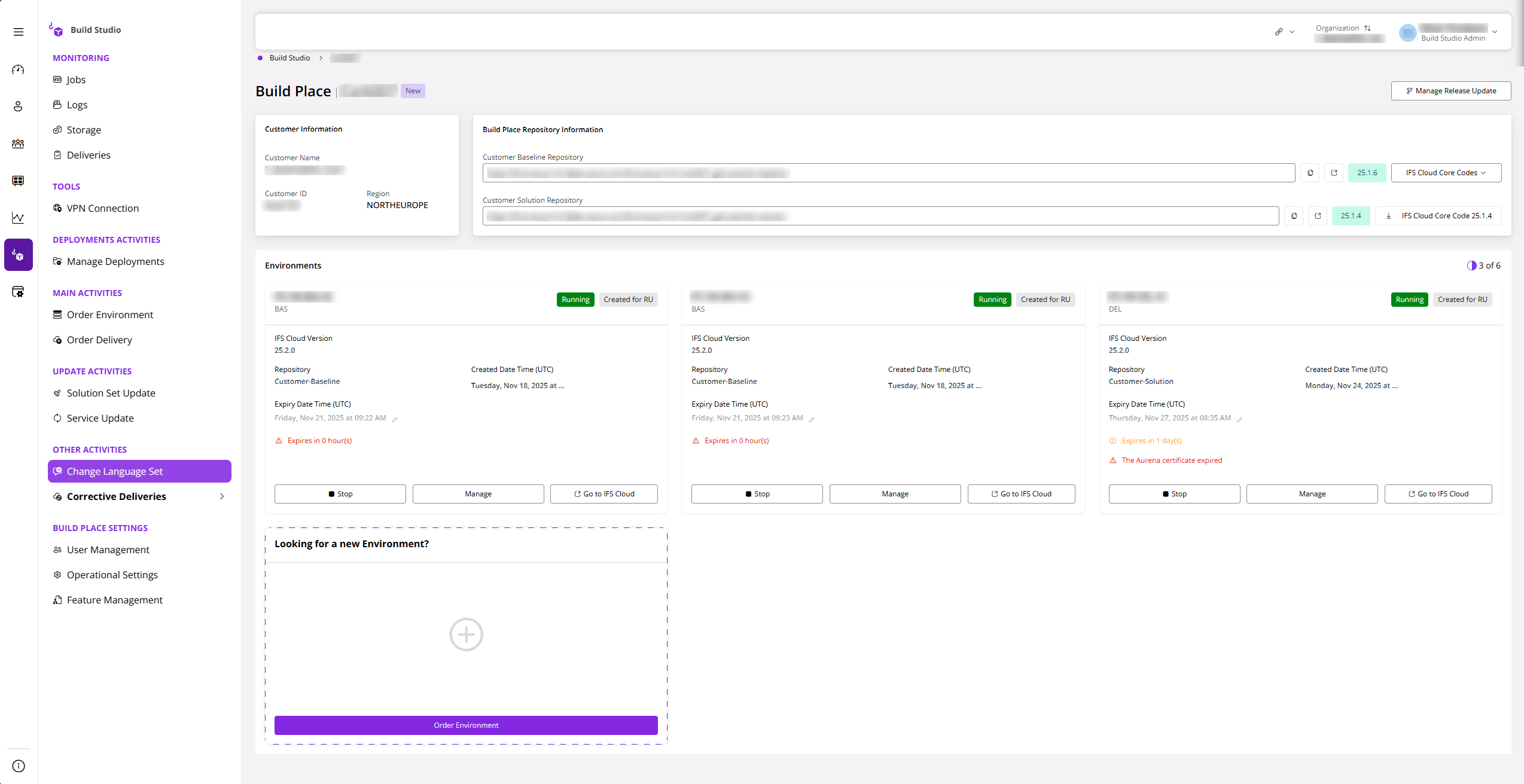
- Go to the build place and select Change Language Set .
 |
|---|
| Figure 1 - Selecting Change Language Set |
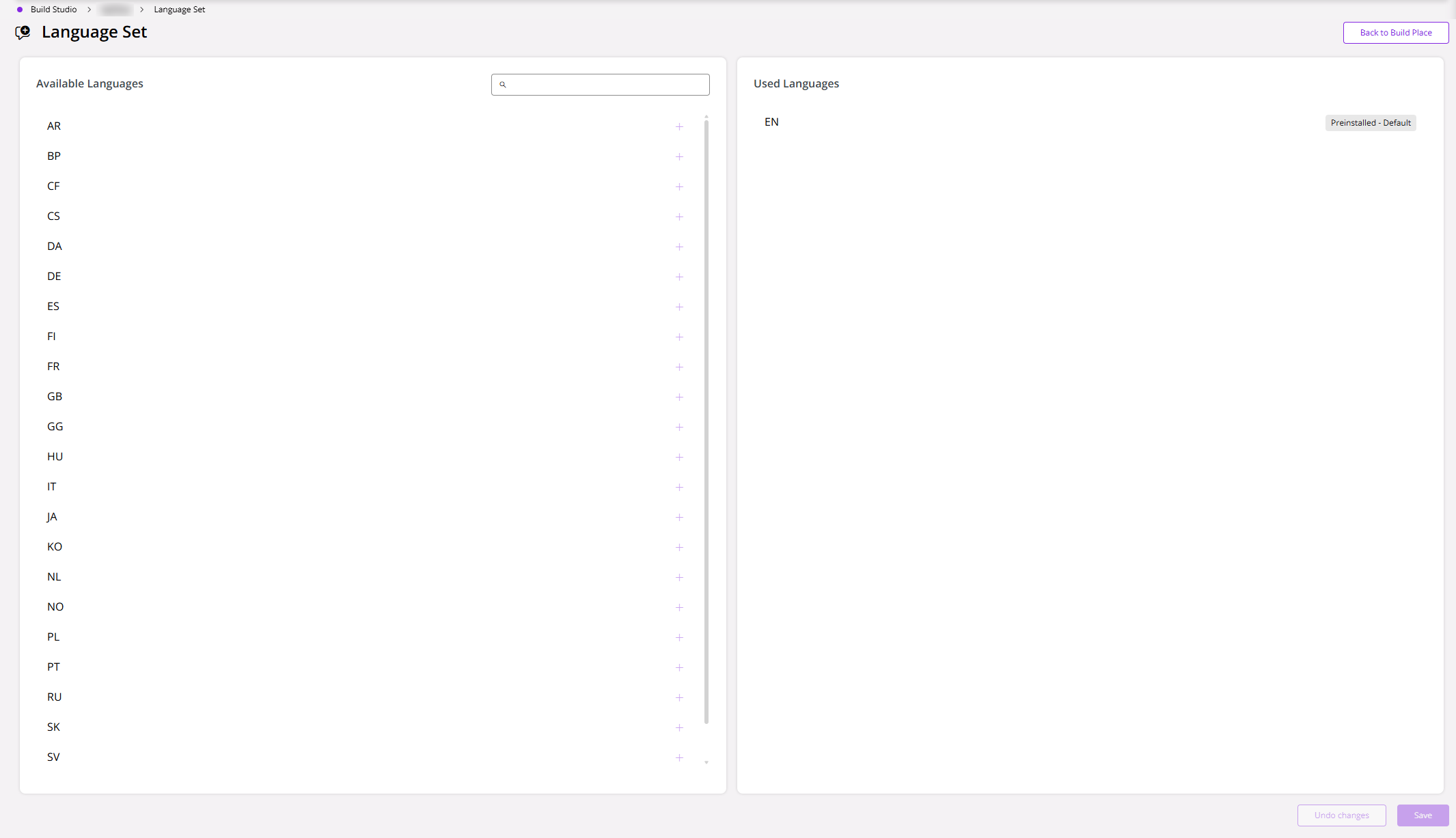
- After clicking on afore mentioned option, you would be directed to to the Language Set, where it would display all the available languages and the used languages.
 |
|---|
| Figure 2 - The Language Set |
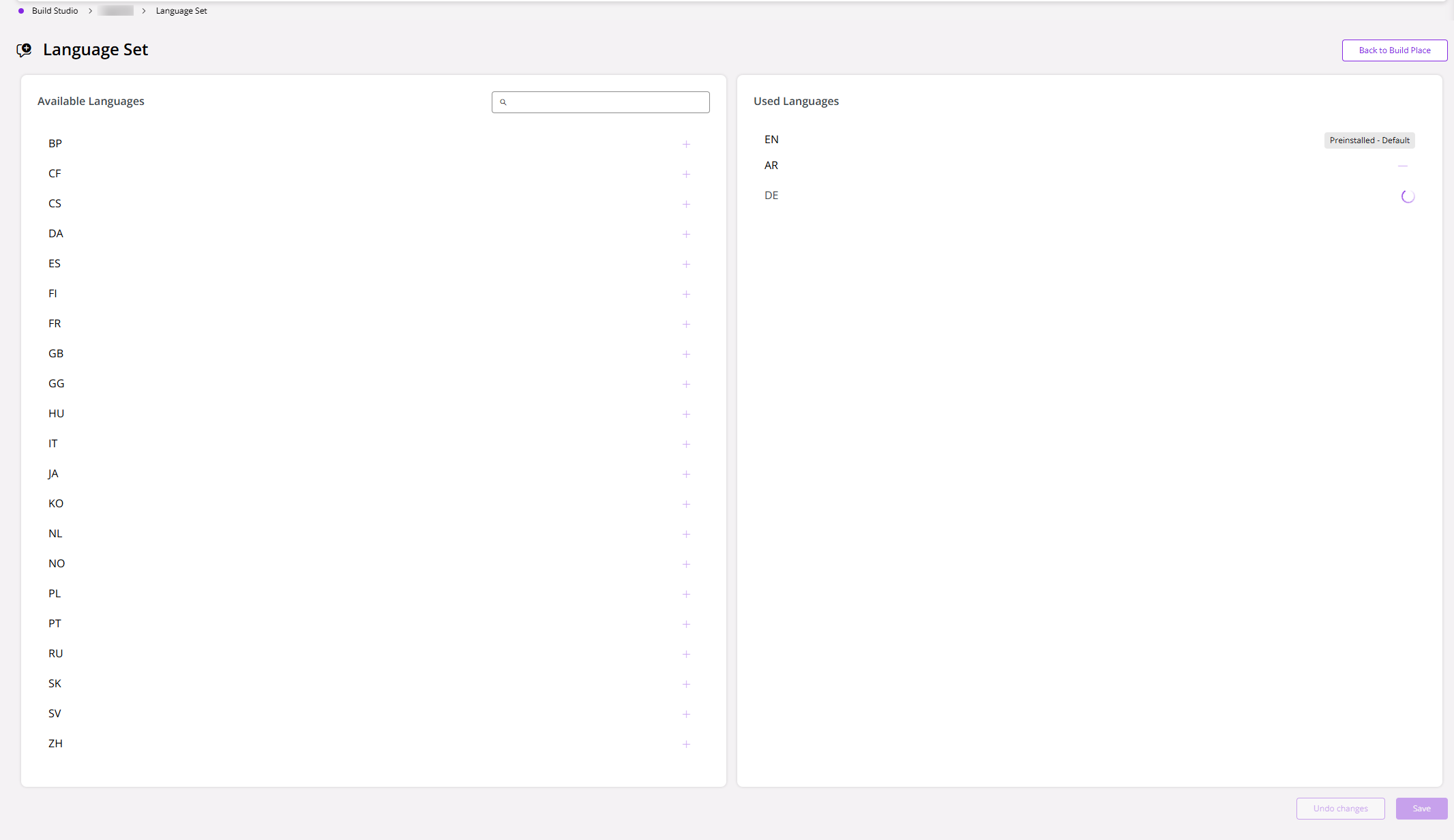
- Next, select the required language and click save. Then the selected languages are added to the Used Languages section of the page.
 |
|---|
| Figure 3 - The Used Languages section |
Removing a Language Translation
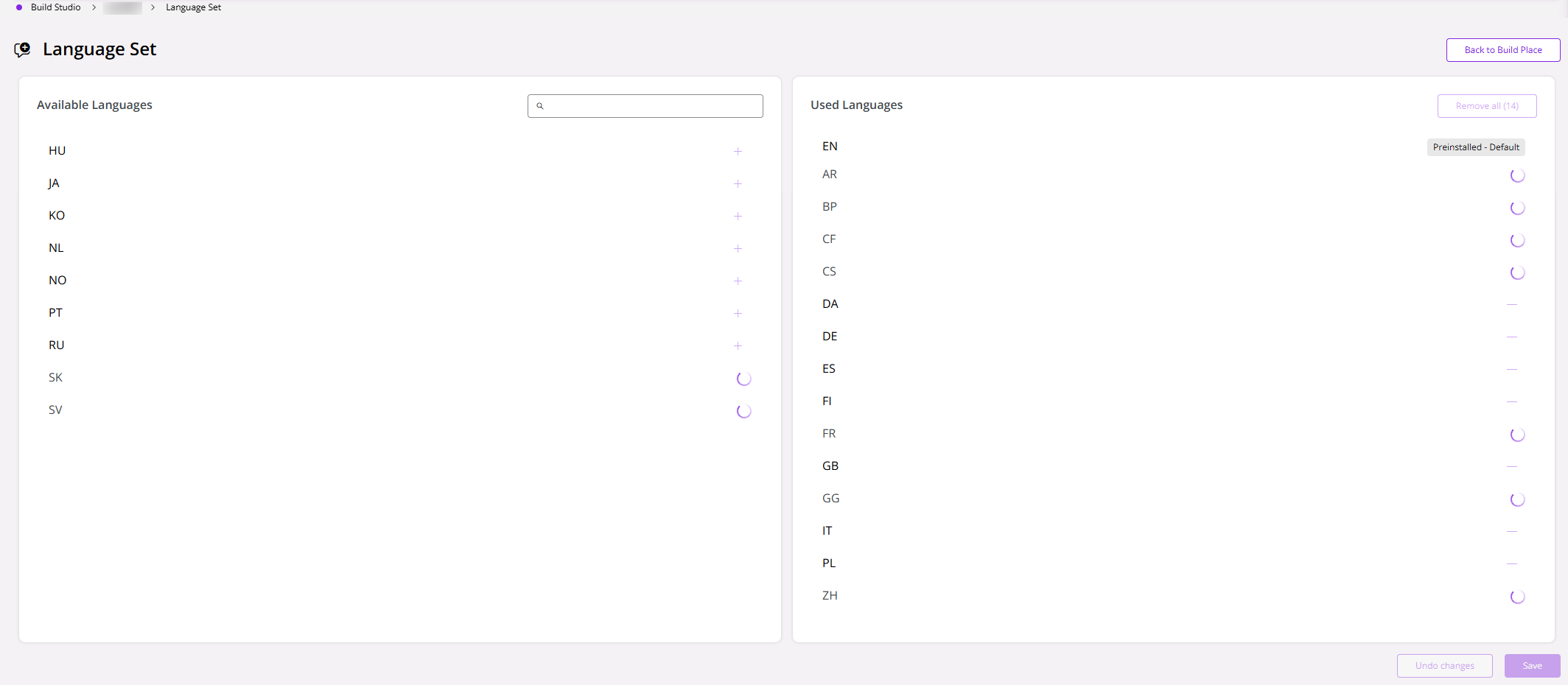
- To remove a language, you can simply select the language you want to remove from the 'Used Languages' List and click the Remove on the top right of the Used Languages section, or you have the option of removing all Languages by selecting Remove all .
 |
|---|
| Figure 4 - Removing Languages |
- Next, click the Save .
For both enabling and removing language operations, an entry will be posted on the Jobs table in the Build Place.
Once the job has been completed, open Pull Request to merge the translation change to the Master branch of the Customer Solution repository will be created in the Azure DevOps project. Approve the Pull Request.


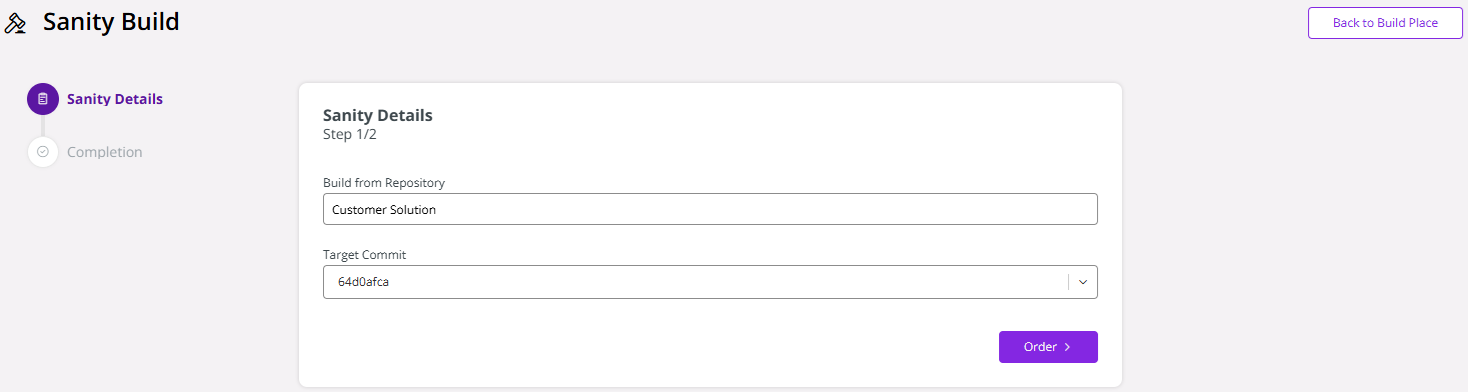
After, completing the Pull Request Merge, you must run a Sanity Build.
 |
|---|
| Figure 5 - Sanity Build |
Once the translations are enabled, it is ready for the delivery. Users can include this component also to the planned delivery to the Use Place. To learn the process of delivery planning, please refer Build Place Deliveries.
Please refer "Installing Languages" section of the Solution Manager User Guide in the Technical Documentation for further information and considerations regarding the language import process.
Note
Unless you deploy the created delivery in a Use Place, the enabled languages cannot be verified via Build Place (Sanity, Topic environment, or Delivery environment). Currently, the environments remain limited to English (En) despite having multiple languages enabled for the IFS Cloud application.