Environment Studio
Overview
The Environment Studio is a centralized platform for managing and monitoring environments hosted on IFS Cloud by providing self-service capabilities that address customers’ and partners’ needs across their entire IFS Cloud ecosystem. It provides users with management of Use Place environments, such as Delivery Scheduling, Environment Cloning, PSO Standalone app updates, and Flexible Maintenance activities.
To access the features of Environment Studio, you must be assigned the Environment Studio Admin role.
Navigation
Sign in to Lifecycle Experience Center (LEC) using your credentials.
Locate the Environment Studio option in the left main sidebar in the LEC home dashboard.
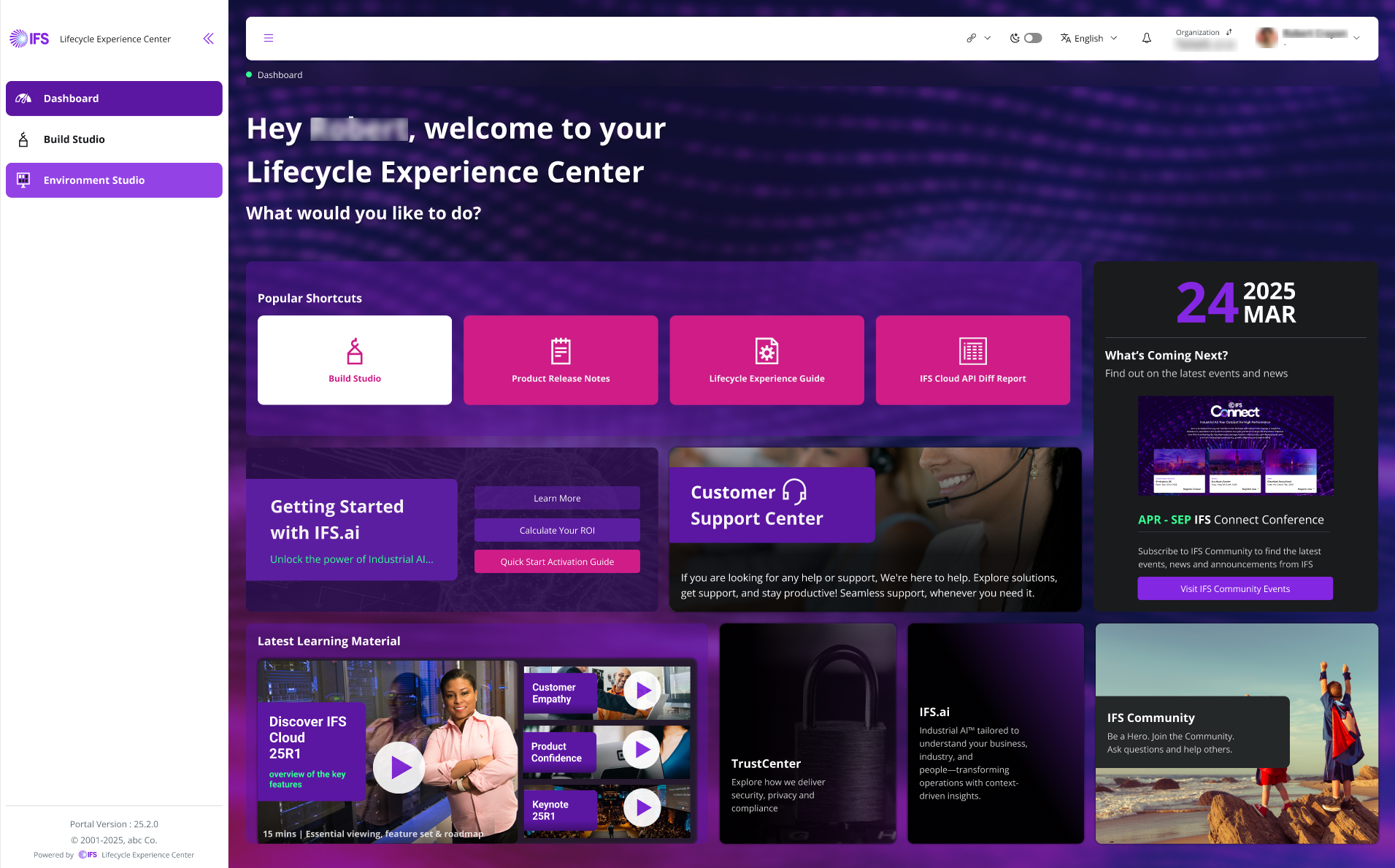 |
|---|
| Figure 1 -LEC Home Dashboard |
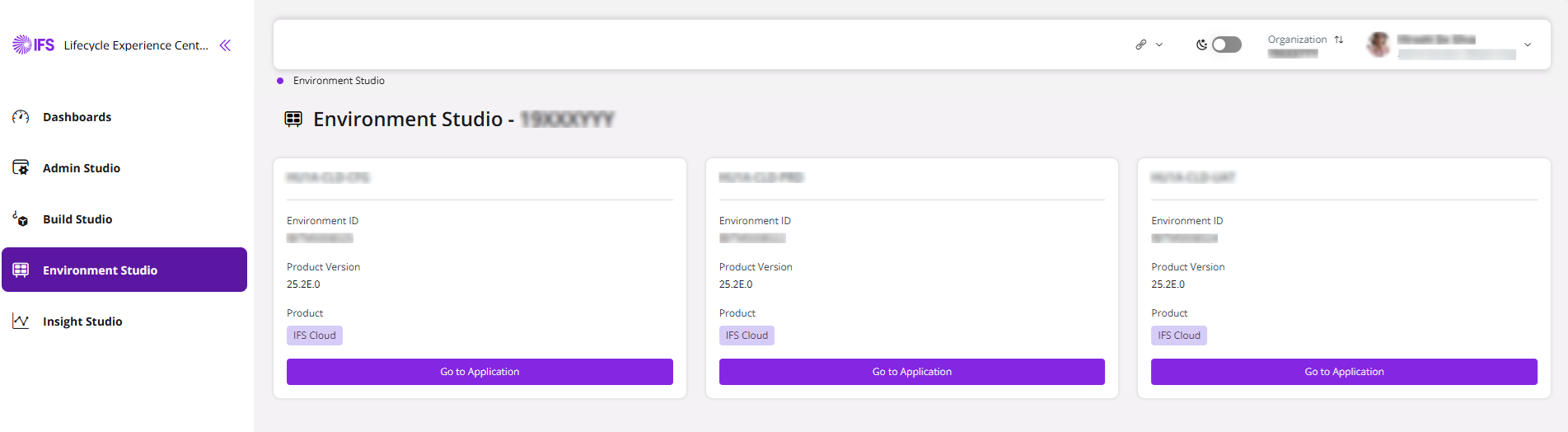
- Now you are in the Environment Studio landing page.
 |
|---|
| Figure 2 - Environment Studio Landing Page |
- The landing page provides you with an overview of all environments associated with your organization.
 |
|---|
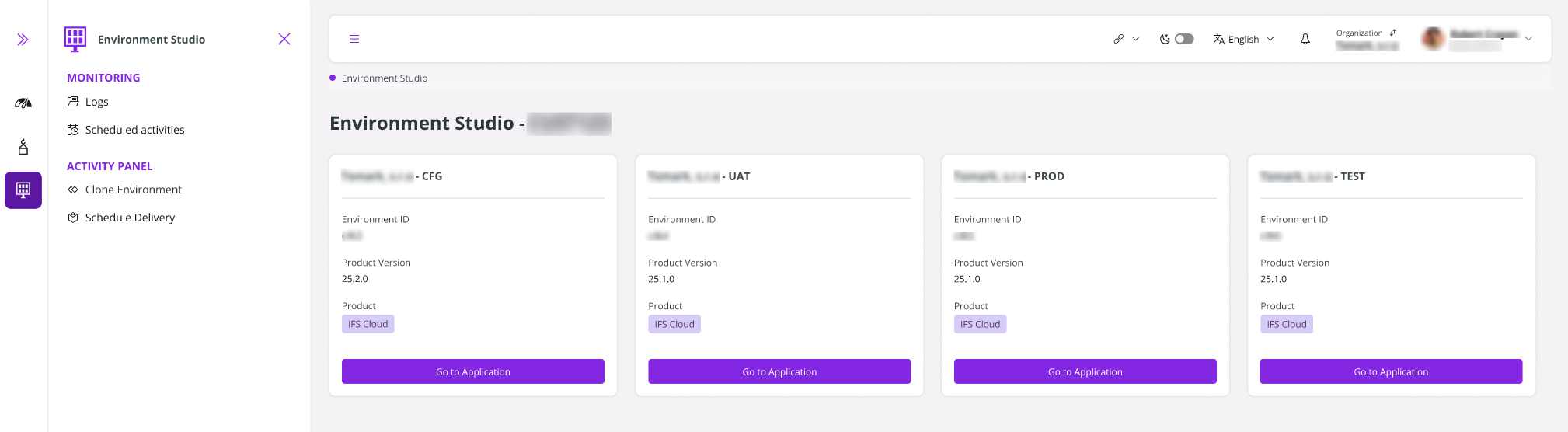
| Figure 3 - Sidebar in Environment Studio |
- The side panel in Environment Studio provides quick access to essential tools and settings. In Monitoring, you can view system logs and manage scheduled activities. The Activity Panel enables you to clone environments, schedule deliveries, and update PSO standalone apps (available exclusively to PSO customers).
- Click Scheduled Activities under Monitoring to view current and past scheduled activities of the Environment Studio. Furthermore, with the Scheduled Activities view, you can reschedule a standard maintenance activity. To learn how to reschedule maintenance, refer to the Flexi Maintenance guide.
 |
|---|
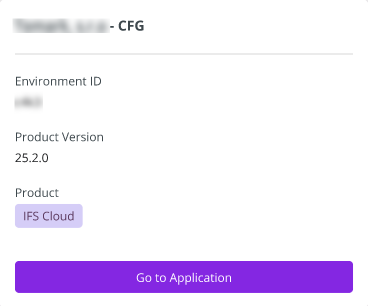
| Figure 4 - An Environment Card |
- Each Environment card represents a different environment. It shows the environment name, a unique Environment ID, the product version currently in use, and the product. Click Go to Application to open the relevant Use Place Environment.
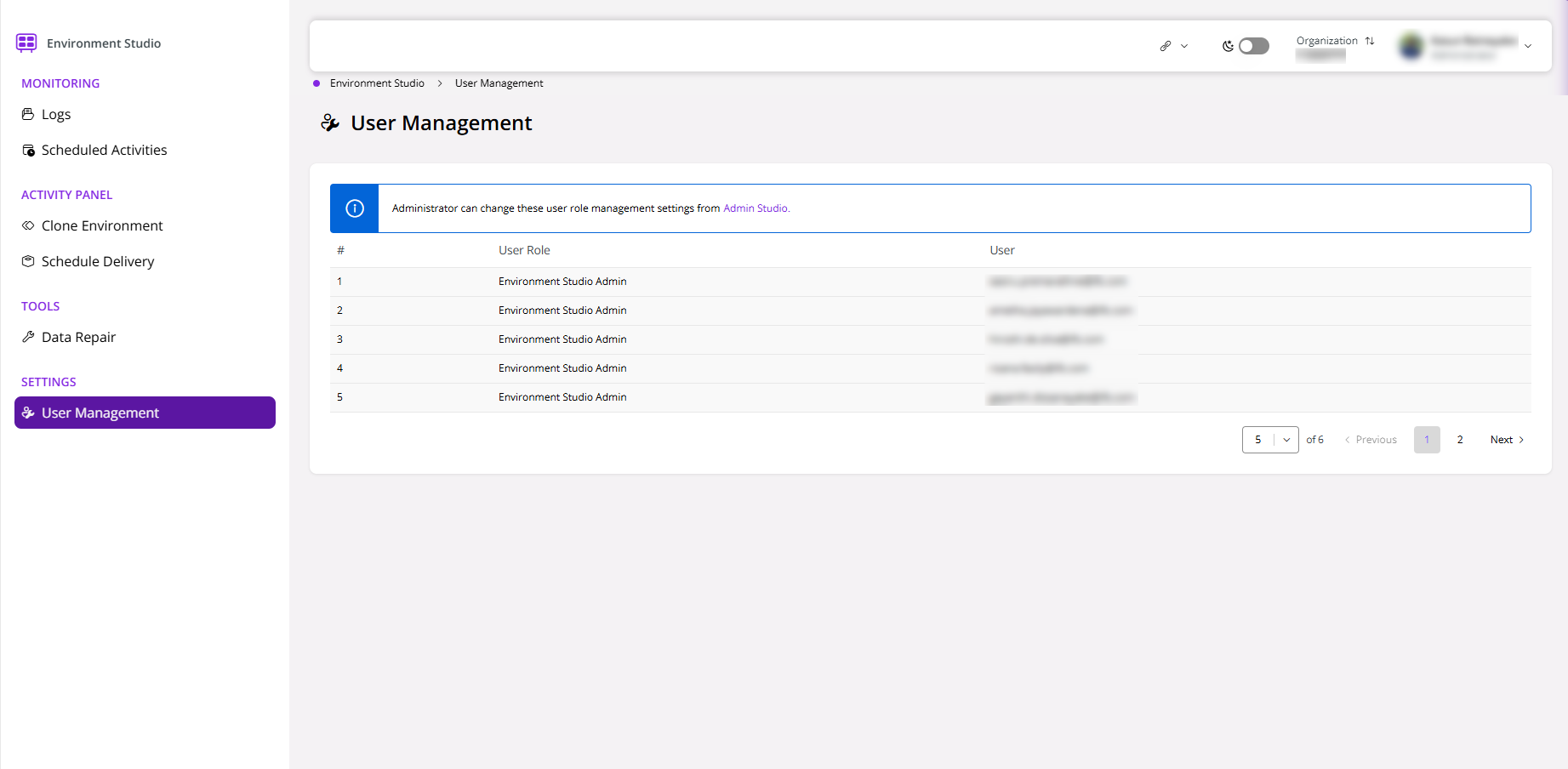
User Management
The list of users who have been granted access to the Environment Studio can be viewed by navigating to the User Management section, which is available under Settings.