Users
Overview
The Users page within the User Management Center allows administrators to view, manage, and control active users across configured Identity Providers. From this page, admins can search users, filter by identity provider, and perform actions such as deactivating or deleting.
The page is divided into the following main sections:
- Filters and Search
- Active Users List
- Deactivated User List
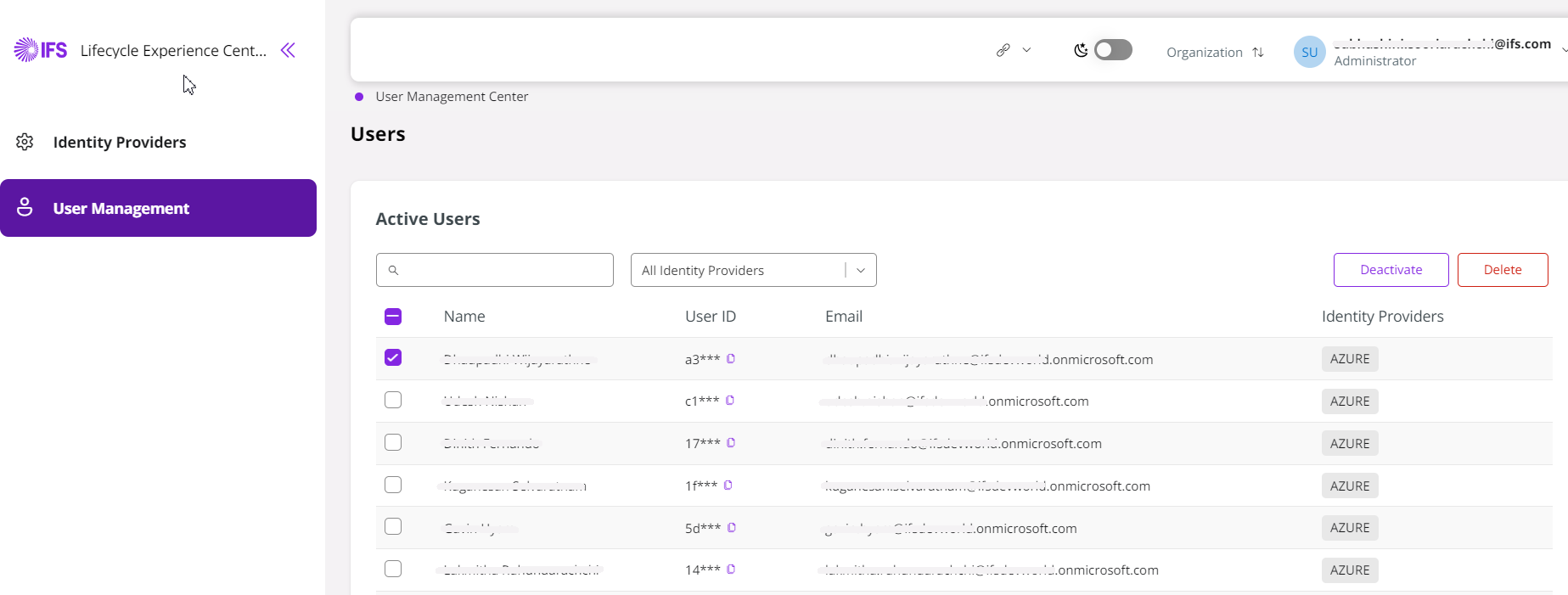
Filters and Search

| Field | Description |
|---|---|
| Search | The search field allows administrators to locate users by Name, User ID, or Email. |
| All Identity Providers | The Identity Provider dropdown enables filtering users based on the authentication source. Selecting a specific provider limits the user |
Active Users List
Displays all currently active users based on the applied filters.
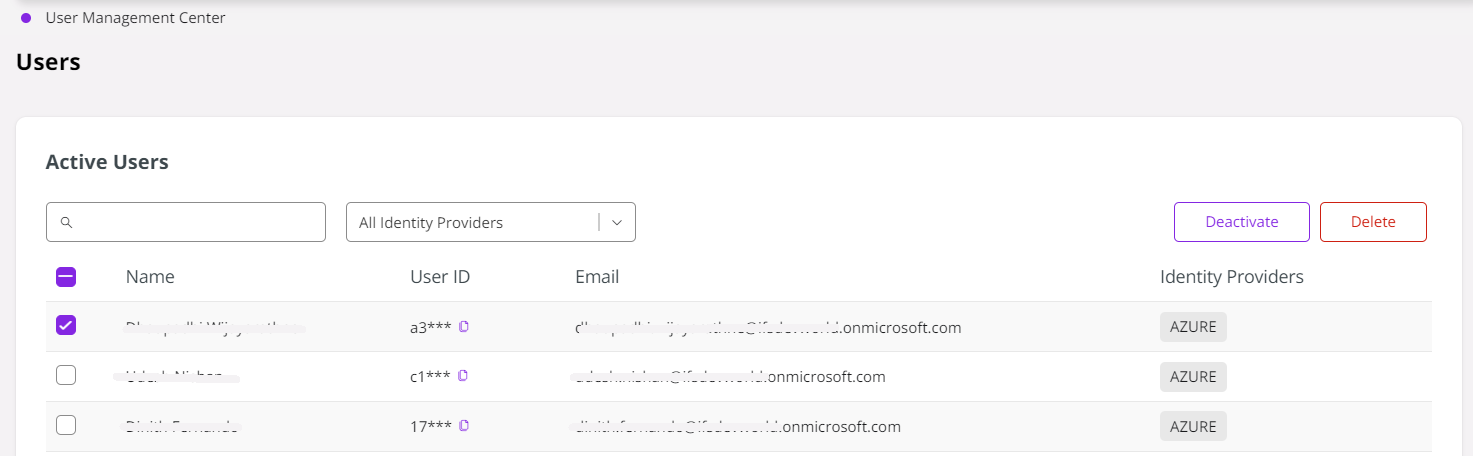
| Column | Description |
|---|---|
| Selection Checkbox | Select one (or more users for bulk actions) |
| Name | Full name of the user |
| User ID | System-generated unique identifier (partially masked) |
| Registered email address of the user | |
| Identity Providers | Authentication provider associated with the user (e.g., AZURE) |
Administrative Actions
Administrative action buttons become available when one or more users are selected.
Deactivate Users
The Deactivate action disables user access without removing the user record from the system.
When deactivated;
- User authentication and access are blocked.
- User data remains retained.
- Users can be reactivated later.
This option is recommended for temporary access suspension
Delete Users
The Delete action permanently removes a user from the system.
When deleted;
- User record is permanently deleted.
- The action cannot be reversed.
This option should be used with caution and only when permanent removal is required.
Deactivated User List
Displays all currently inactive users. User authentication and access are blocked for these users.
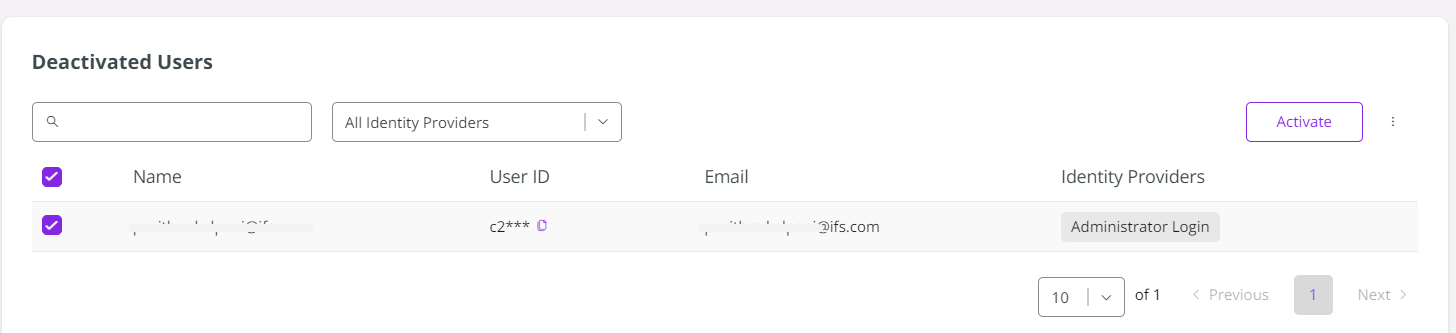
Users can be reactivated when needed.