ICAM for Build Studio: Customer Onboarding for Customization
IFS Cloud Aviation Maintenance (ICAM) is introduced within Build Studio to support ICAM-specific customizations by integrating its capabilities directly into the Build Studio of the Lifecycle Experience Center (LEC).
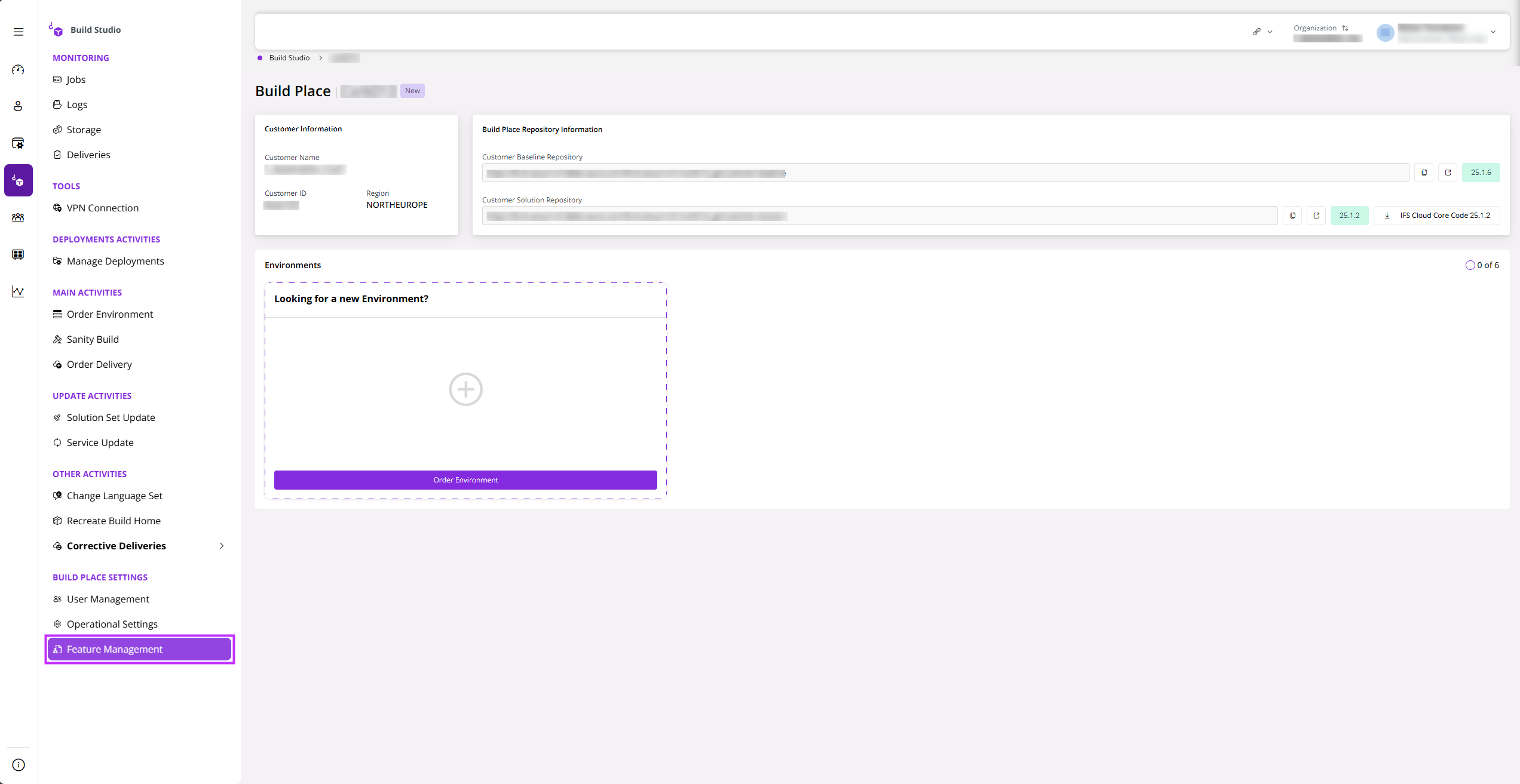
To enable ICAM customizations in Build Studio, you must have Build Studio Administrator privileges. Then, navigate to Feature Management under Build Place Settings.
 |
|---|
| Figure 1: Selecting Feature Management |
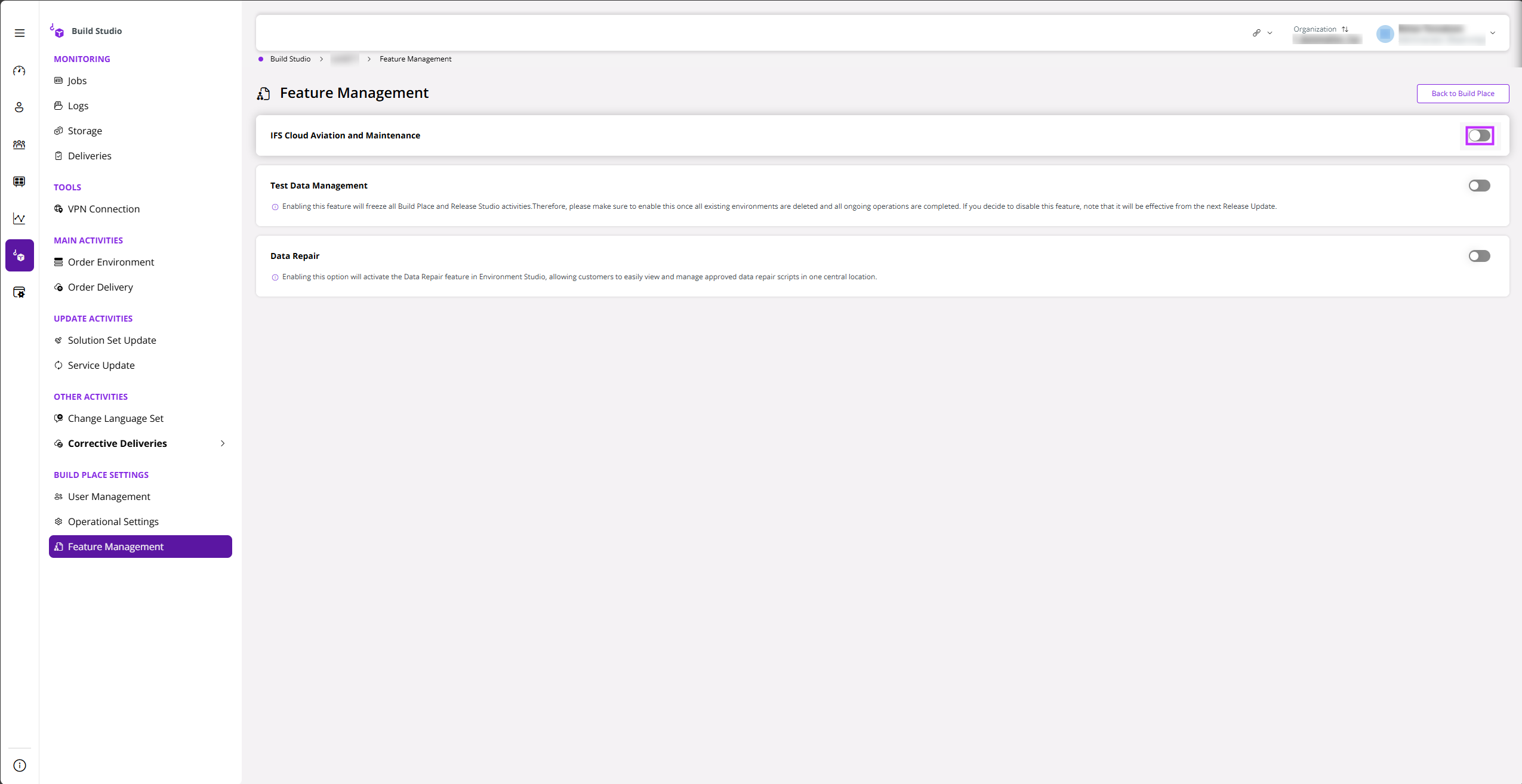
Next, use the toggle in IFS Cloud Aviation and Maintenance.
 |
|---|
| Figure 2: ICAM enabling toggle |
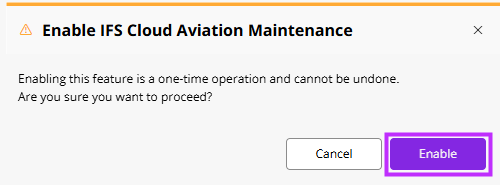
A confirmation dialog will pop up once you select the toggle to enable ICAM. Select Yes to proceed.
 |
|---|
| Figure 3: Confirmation Message |
Note: Enabling ICAM is a one-time operation and cannot be undone.
Furthermore, enabling ICAM is not supported when the Test Data Management (TDM) feature is either enabled or in pending disabled status in your Build Studio.