ICAM for Build Studio: Manage Deployments
Overview
As part of enabling IFS Cloud for Aviation & Maintenance (ICAM) in Build Studio, deployment information is accessible for remote customers when deploying IFS Cloud and ICAM artifacts. Currently, remote customers can view IFS Cloud deployment information in the Manage Deployments section of the Build Studio.
How to View Repository Information
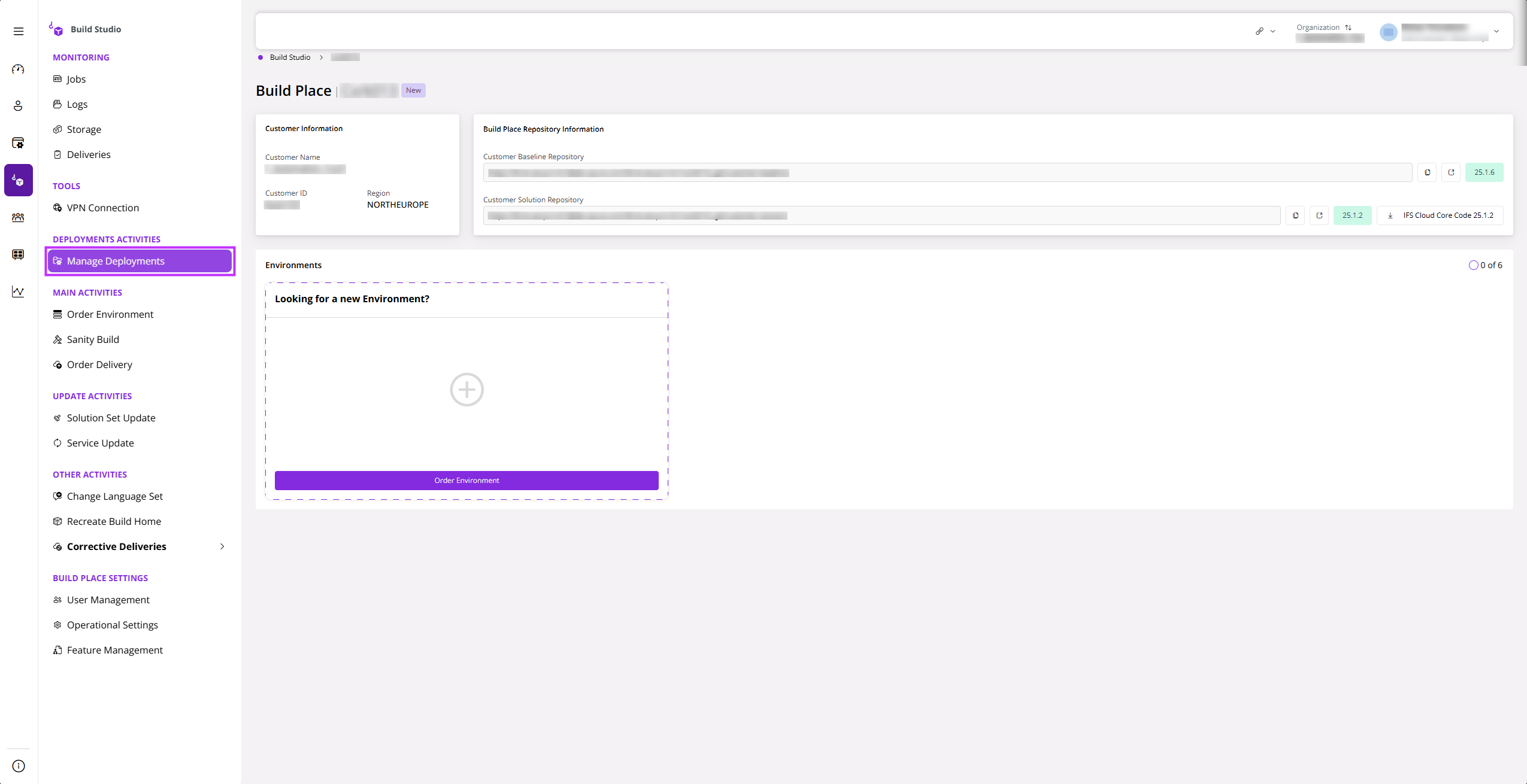
Click Manage Deployments in the Build Studio.
 |
|---|
| Figure 1 - Manage Deployments in Build Place View |
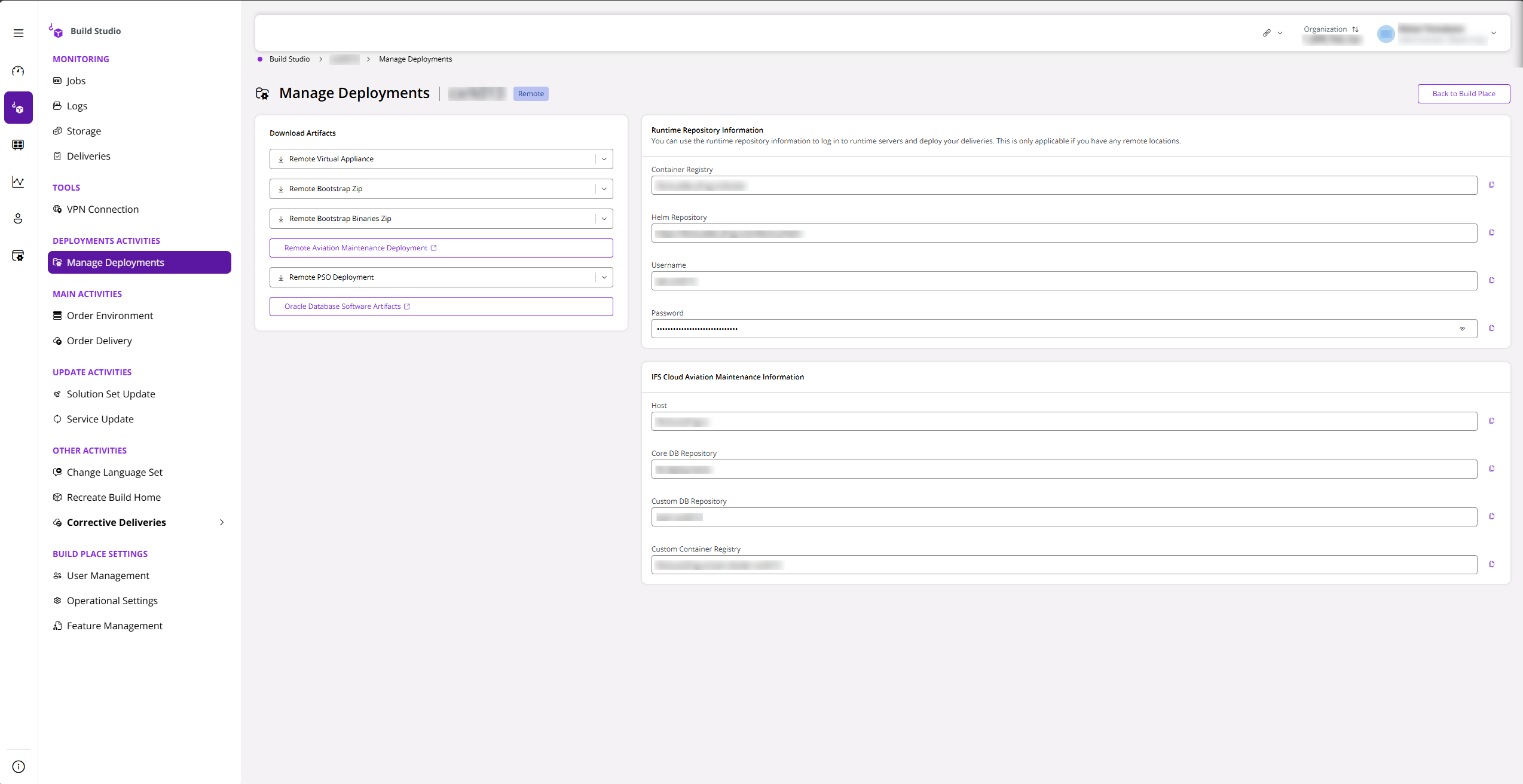
If you are a customer who has purchased ICAM, you will see the Remote Aviation Maintenance Deployment Artifacts to be downloaded under Download Artifacts. Once downloaded, the relevant information can be viewed through the ifs-and-artifacts folder.
Furthermore, you can access the IFS Cloud Aviation Maintenance Information required for Service Updates and Release Updates as illustrated in Figure 2 below.
Note: Check the Manage Deployments section in Release Update Studio to see the artifacts for the Release Update Version.
 |
|---|
| Figure 2 - Repository Information for Customers without ICAM Customizations |
If you are a customer who is doing customizations and has enabled ICAM in the feature management of the Build Place (Feature Toggle-ON), you will see some additional information below the Runtime Repository Information. By using the information in the Information of IFS Cloud Aviation Maintenance, the users can connect to the database repository and container repositories related to ICAM.
: This information is available irrespective of your deployment model: Remote or Cloud.