Release Update Studio Troubleshooting Issues
Overview
This section outlines some probable issues that can be encountered while using the Release Update Studio and the steps that can be followed to resolve those issues.
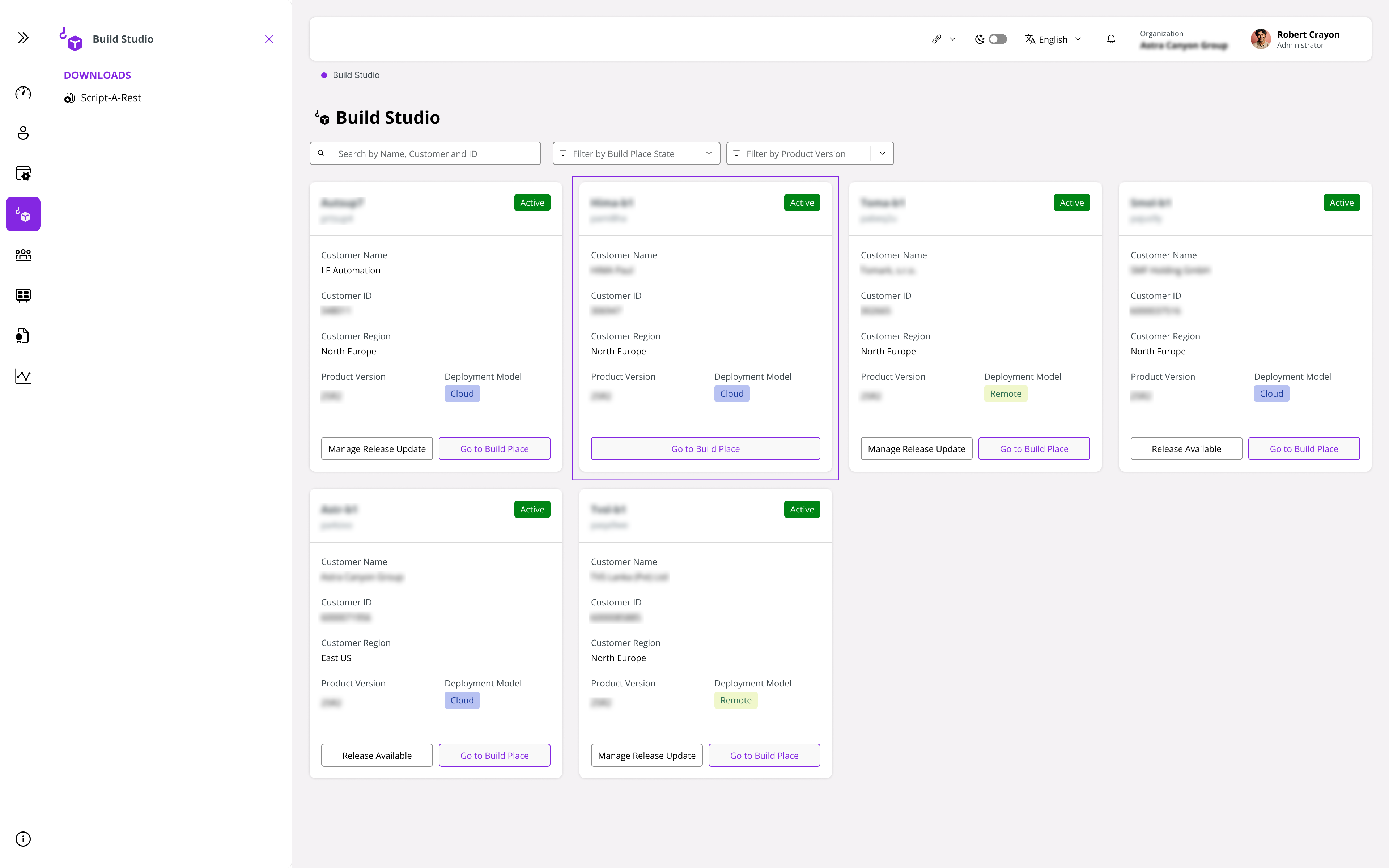
Release Update Controls Not Visible
In some cases, the Release Available button may not be visible due to two main reasons:
The latest Release Update is already being applied to the Build Place, and there is no requirement to navigate to Release Update Studio. Therefore, the button is hidden.
When there is not a single approved delivery from the Build Place. The Release Update will be based on the last approved delivery, and when there is no such delivery, the Release Available is not visible.
 |
|---|
| Figure 1 - Release Update Controls in Build Places |
Request Release Update Fails
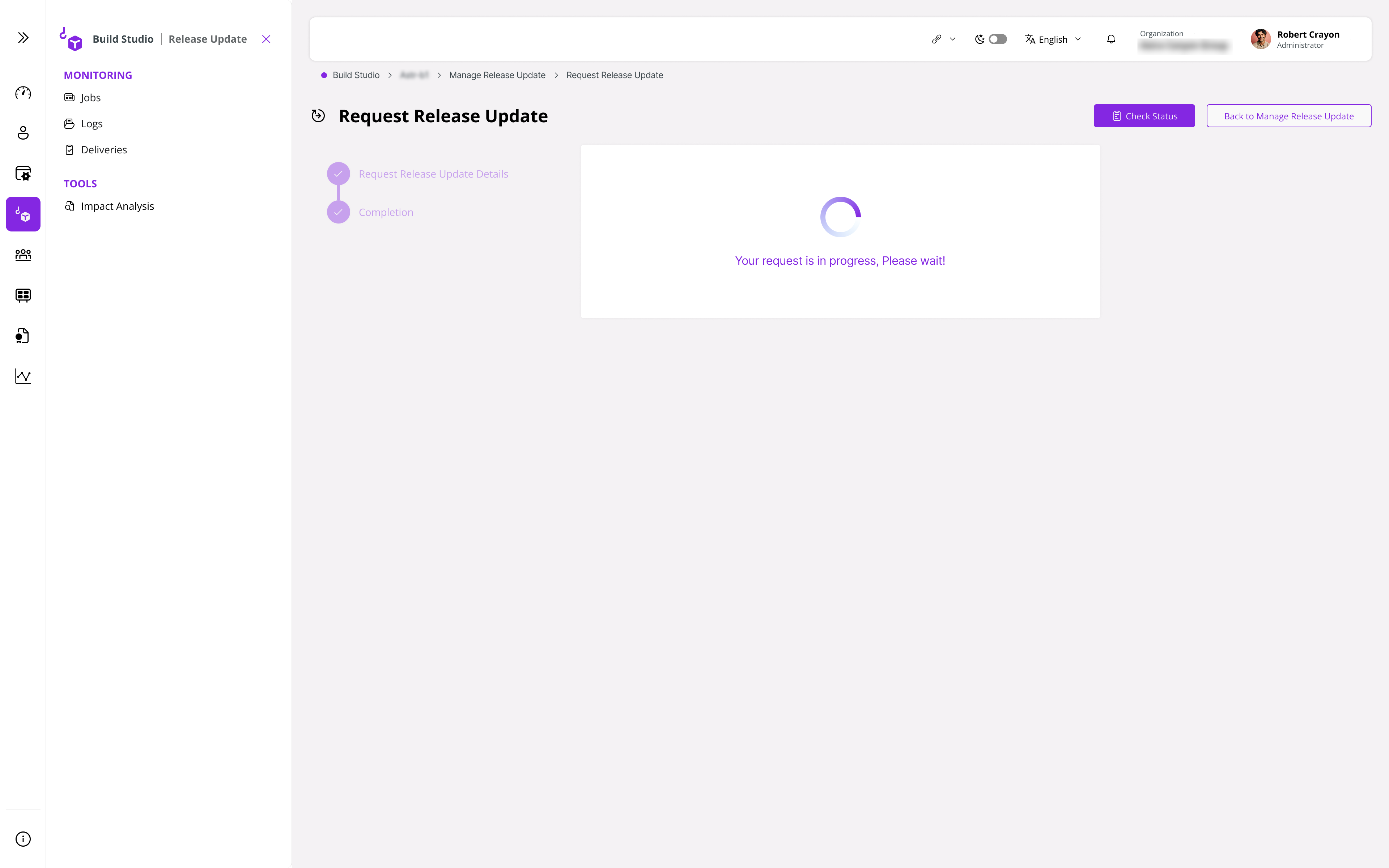
A trigger on the Check Status ideally sends a request to THOR to retrieve the latest status of the Request Release Update, and once it is received, the status will be updated in the Release Update Summary table if it is different from the current status.
 |
|---|
| Figure 1 - Release Update Controls in Build Places |
However, if the message: Unable to update the Request Release status. Please try again is populated as a toast message; this could be due to one of the two reasons listed below:
- Unable to retrieve the status from the external system (THOR).
- Unable to update the Release Update Summary table with the status change.
At such an instance where the above toast message is displayed, please create a support issue and contact a representative of the IFS Support team to look into the issue.