Development Flow
Ordering a Development environment
To order a Dev environment, click Order Environment from left sidebar.
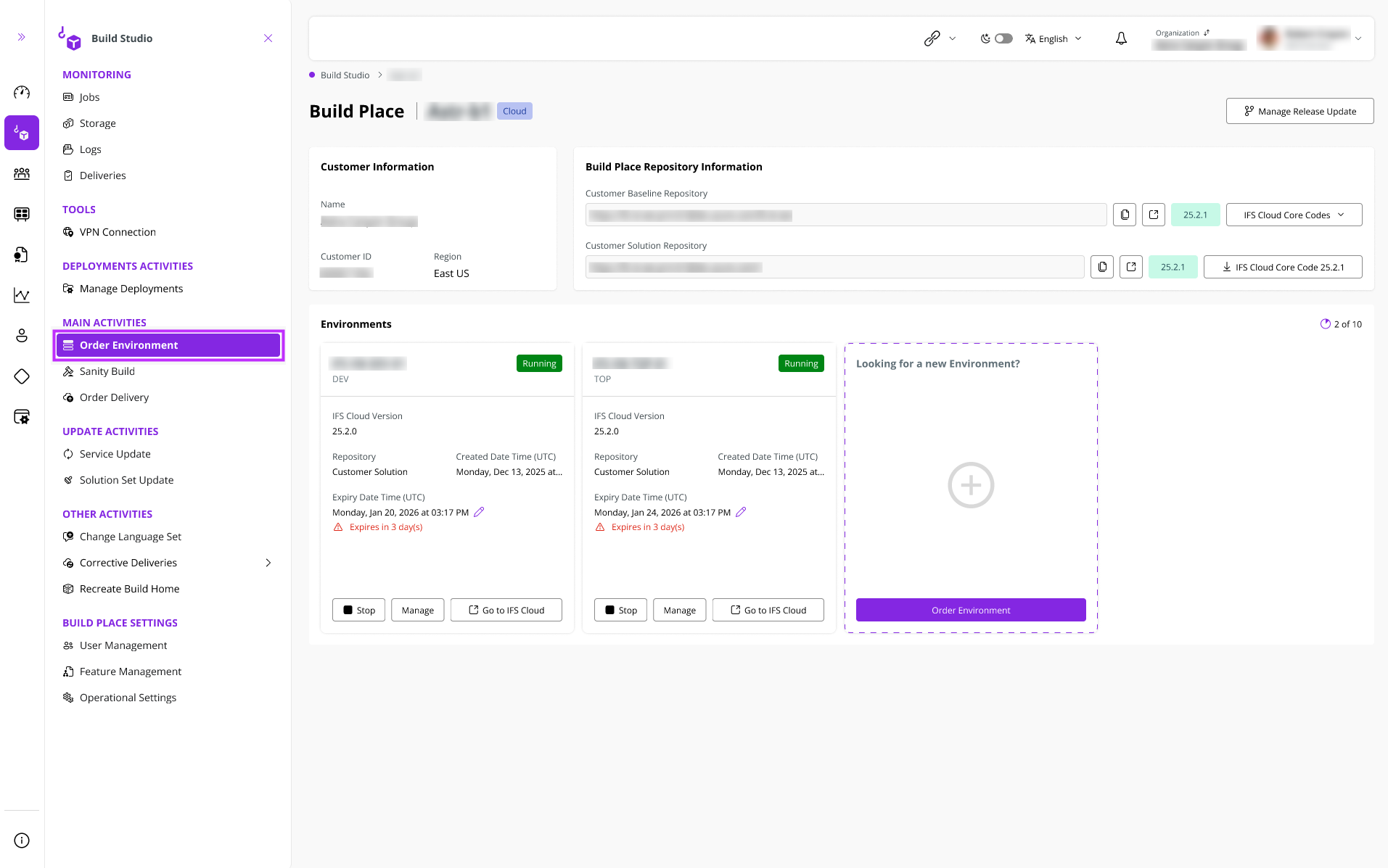 |
|---|
| Figure 1.1 - Ordering an Environment |
After that, the Order Environment panel shown below appears.
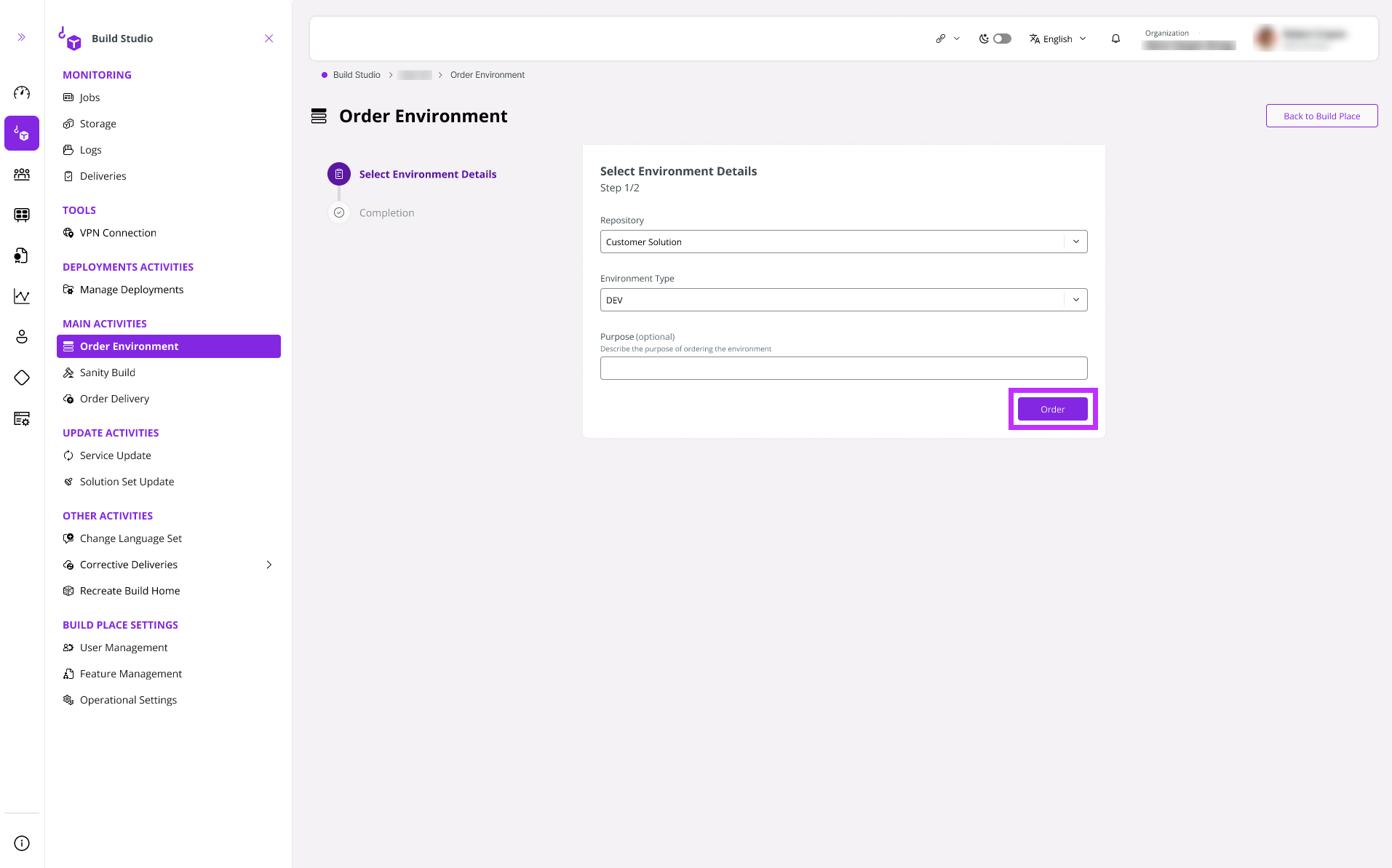 |
|---|
| Figure 1.2 - Ordering a Dev Environment |
Select the environment type as DEV from the Environment Type dropdown and click Order.
A success toast message appears indicating that the environment ordering request is successful as shown below.
 |
|---|
| Figure 1.3 - Ordering a Dev Environment Success Toast Message |
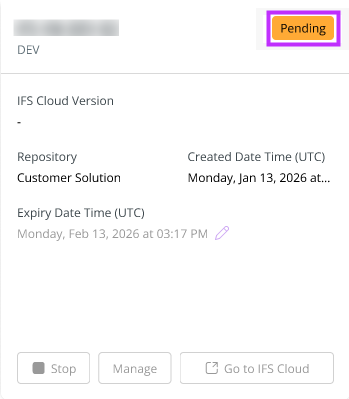
Initially, the environment transitions to the Pending status.
 |
|---|
| Figure 1.4 - Development Environment in "Pending" Status |
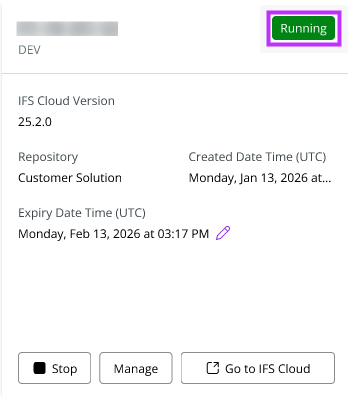
Then, the environment transitions to the Running status.
 |
|---|
| Figure 1.5 - Development Environment in "Running" Status |
The Dev environment is provisioned with the data initially entered and from the latest successful sanity commit. You can add data to the Dev environment for development purposes, but please note that this data will not be retained and will be lost when the Dev environment is deleted or expires.
Ordering a Development environment when there are more than 5 Sanity Tags
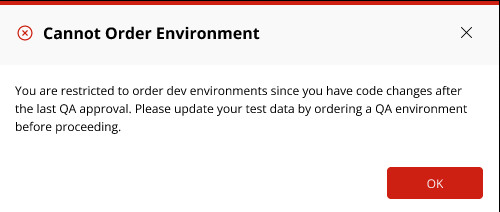
You are unable to request a Dev Environment if you have initiated more than five Sanity Builds without receiving QA approval. In such a situation, if you attempt to order a Dev Environment, you will encounter the error message displayed below.
 |
|---|
| Figure 1.6 - Error message when ordering a Development Environment after more than 5 consecutive sanity builds |
In the event of the aforementioned error, please adhere to the following steps:
- Place an order for a QA Environment, or provision one simultaneously with the Sanity Build.
- Input data into the provisioned QA environment.
- Approve the QA environment.
Once the QA environment is successfully approved, you will then be able to proceed with ordering a Dev Environment.