Usage Report
Overview
The Usage Report gives insights into consumable entitlements which are business concerns for customers. This report outlines insights into the consumption of database and file storage of use place environments. As usage is not monitored by IFS for customers who maintain their solutions remotely, the usage report is only visible for customers who have set the deployment model as Cloud.
Definitions
Database Numbers: Represents the size of database files for each customer and environment type. The data is retrieved daily from an internal monitoring application.
File Storage Numbers: Represents the size of files stored in the internal data storage. The data is retrieved directly from the storage system with a two-three days lag. For example, file storage data for January 6 will be visible on January 8 or 9.
About the Report
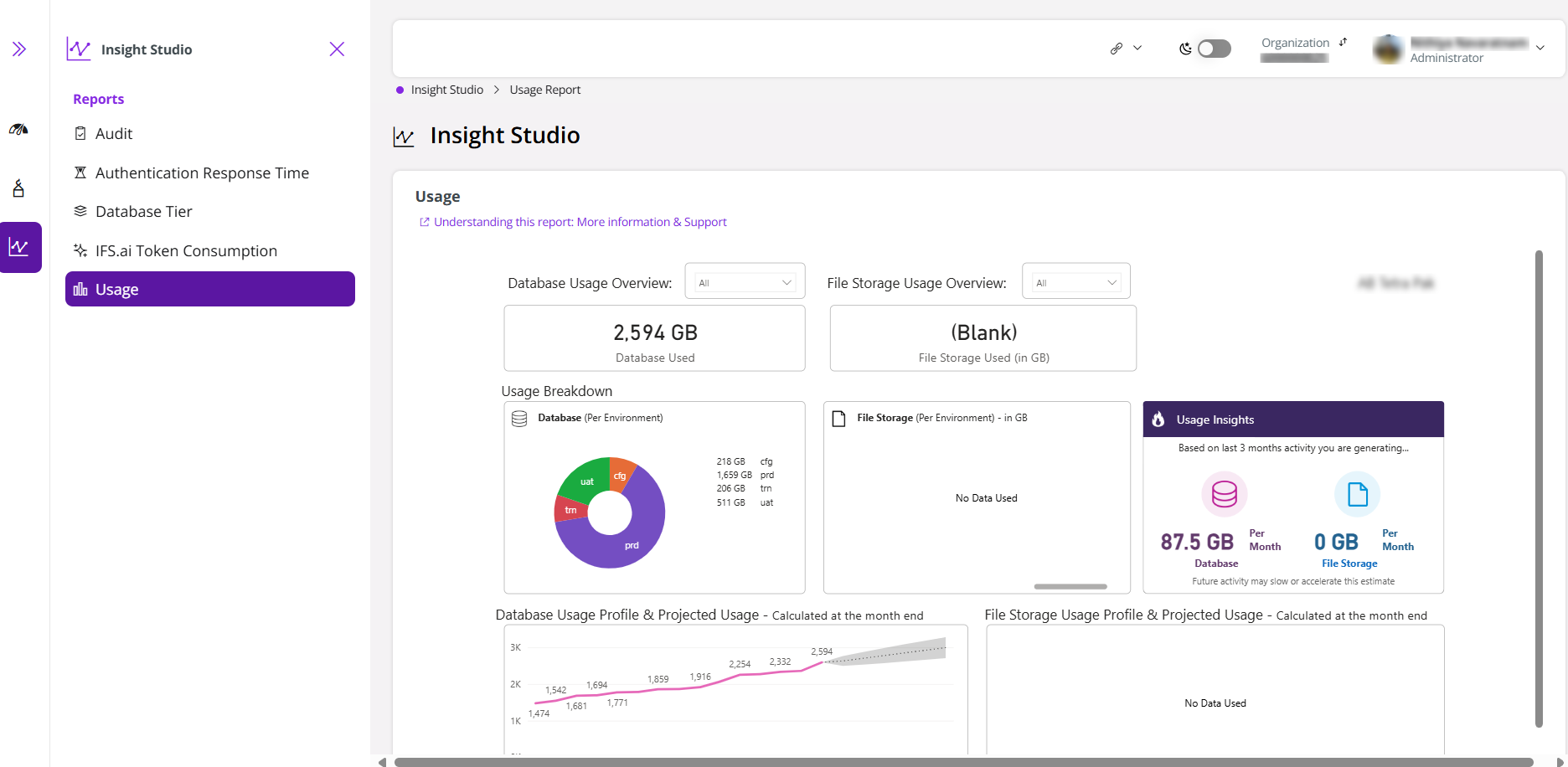
Once you log in to LEC Insight Studio, you are directed to the usage report (Figure 1) for the customer associated with your current Build Place, provided that the Build Place deployment model is set to Cloud. Everything that falls under the red line (see Figure 1) belongs to the usage report generated via the Power BI.
 |
|---|
| Figure 1 - Usage Report |
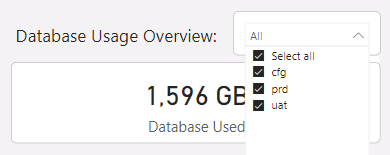
The report will have widgets to select a single or multiple use place environment(s) (Refer Figure 2). This will be available for both database usage and file storage usage information. Based on the selection, the data on the usage report will change.
 |
|---|
| Figure 2 - Dropdown to Select Environments |
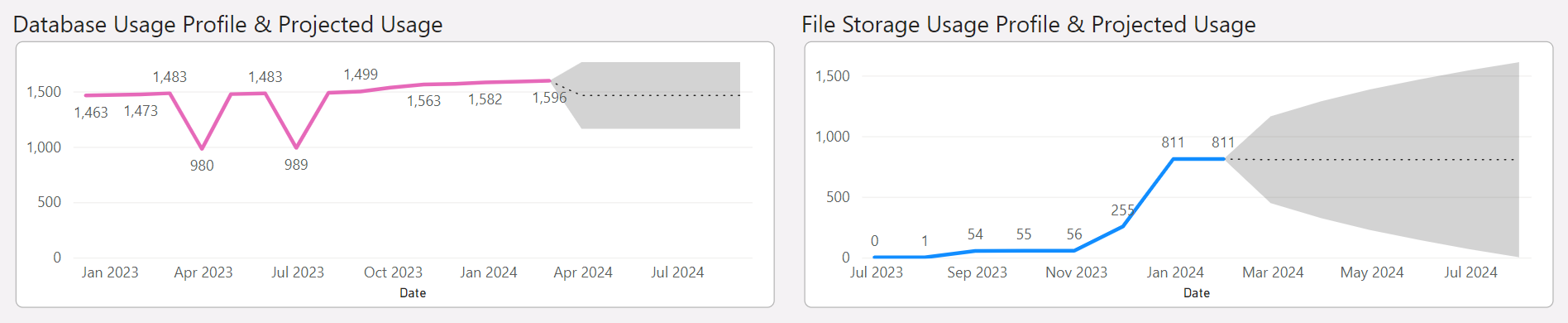
Furthermore, the database usage profile, file storage usage profile for the last 15 months, and their projected usage for the next 6 months will be shown in the report (Figure 3). It should be noted that the forecast is an estimation and comes with a bias of +/- as shown within the funnel. Therefore, it should be used for reference purposes only.
 |
|---|
| Figure 3 - Usage Profile and Projected Usage |
Note
The report is updated daily with the latest data.
Won't see the Report? Why?
There could be several reasons for this:
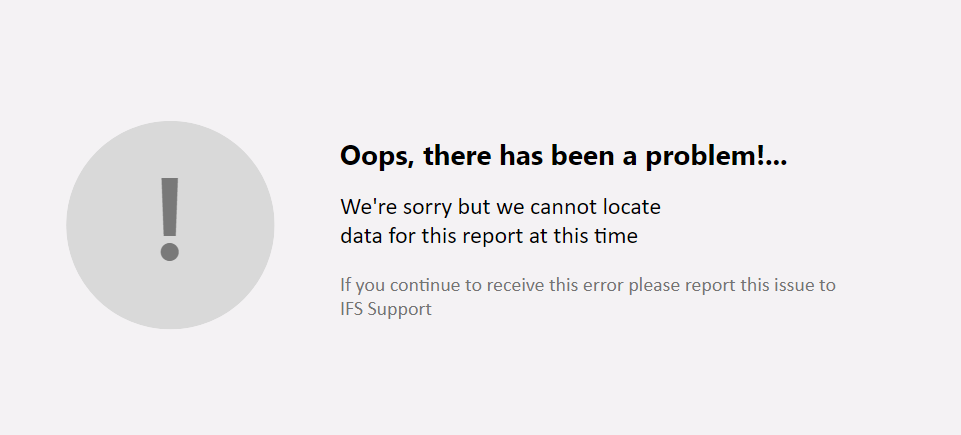
The deployment model of the logged in Build Place is remote - This means that the usage of such Build Places are not monitored by IFS. Hence, such customers will not see a usage report generated by IFS. In such instances, you may see the following error message (Figure 4).
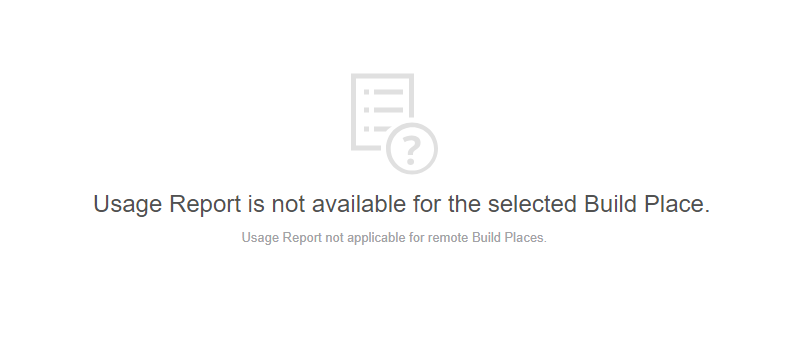
Figure 4 - Usage Report Not Available for Remote BPs Data is not available to show - There could be instances where the usage data for the selected customer is not available at the moment. In such an instance, you are required to contact the IFS Support team to resolve the matter.
 |
|---|