Home
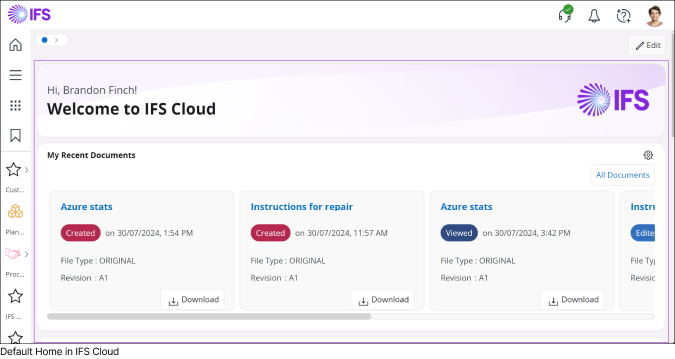 |
Home is the default start page in IFS Cloud, offering a highly customizable experience. You can personalize this page by adding predefined widgets that have been authorized by your system administrator.
| |||||||||||||||||||
|
Note: If desired, you can set any IFS Cloud page as your Start Page, and the Home button will navigate to the page you’ve selected. If you still wish to navigate to the Home, you can use any of the methods mentioned above. To learn more about how to setup a different IFS Cloud page as start page go to : Applications Menu > How to Setup a Start Page section. |
||||||||||||||||||||


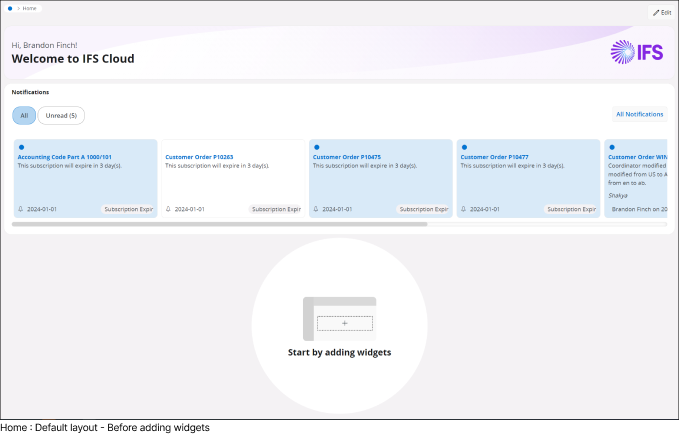 |
By default, your Home will be a blank canvas without any widgets, though some widgets may be pre-loaded depending on your configuration. You can tailor the Home by adding widgets and configuring the layout to suit your needs. |
How to add a Widget to Home Page |
||||||||||||||||||||||||||||||||||
|
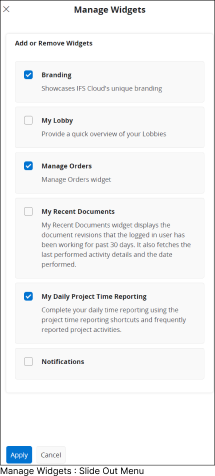
To customize your default IFS Cloud Home:
|
||||||||||||||||||||||||||||||||||
 |
|
|||||||||||||||||||||||||||||||||



Change Widget Layout |
||||||
|
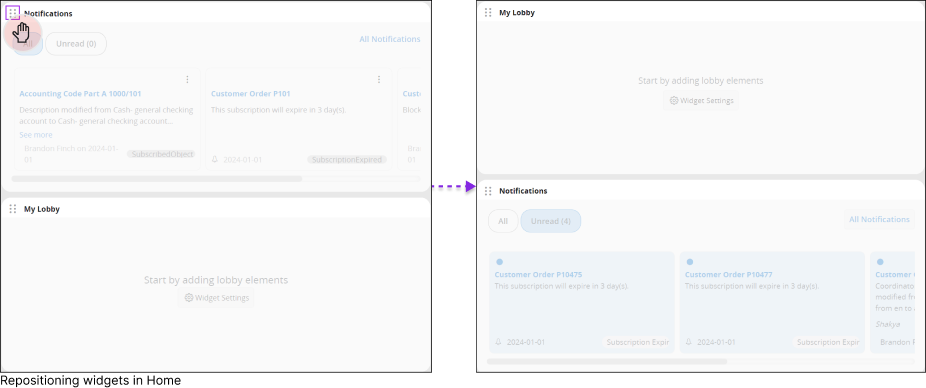
While in Edit mode, you can tailor the widget layout by dragging and repositioning widgets to different areas of the Home.
|
||||||
 |


Widgets |
||||||||||||||||||||||||||||||||
|
There are multiple widgets in IFS Cloud, please click on each link below to find out more about each widget and its functionality. |
||||||||||||||||||||||||||||||||
|
|
Branding Widget
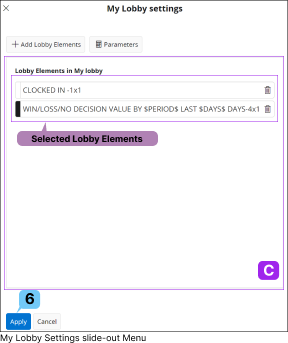
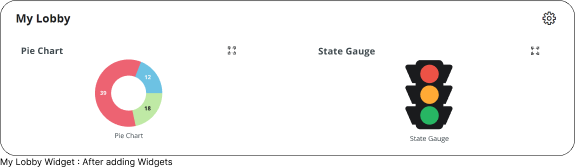
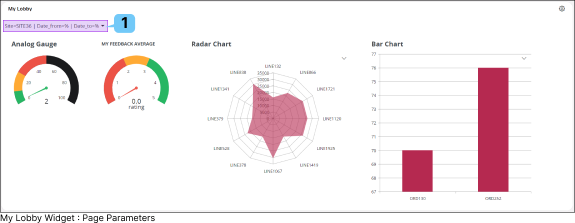
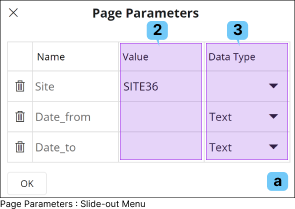
My Lobby Widget
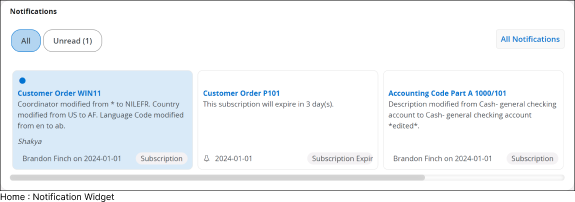
Notification Widget
HCM Widget
Asset Management Widgets
Document Management Widgets
CRM Widgets
Service Management Widget
|
|||||||||||||||||||||||||||||||