Assigning Permission Sets
Permission sets are used to grant access to Projections, Lobby pages, Reports, Workflows and System Privileges. Permission Sets are directly granted to a user to give the user this access.
More about the Permission Set concept can be found here: Permission Sets.
To assign permission sets, open the user on the User page and select User Permissions in the left panel.
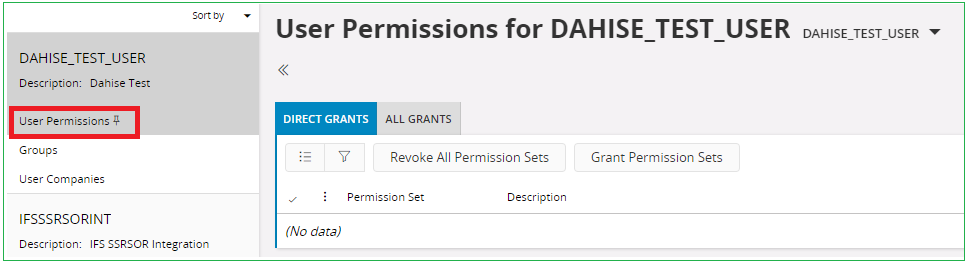
Select Grant Permission Sets to open an assistant which allows the administrator to choose permission sets to grant the user.