Set/Expire Passwords
Use Set Password and Expire Password on the User Details page to manage a user's password.
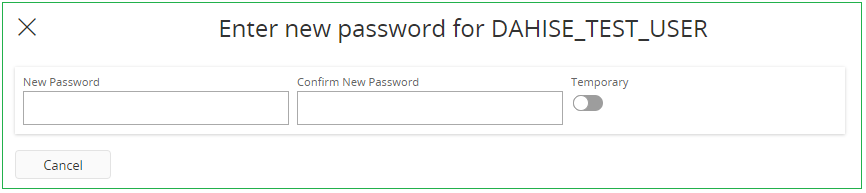
- Set Password opens an assistant where the administrator sets a new password for the user. If Temporary is enabled, the user is prompted to set a new password at next login.
- Expire Password expires the user's current password, so the user must set a new one at next login.
Rules for new passwords are defined in the password policies. For more information, see Password Policies.