Passwordless Authentication
IFS Mobile Apps support passwordless authentication, allowing users to sign in using the biometric capabilities available on their device, such as fingerprint, facial recognition or any other method. The feature is powered by the authentication framework used by IFS Cloud and supported mobile operating systems.
Prerequisites
Before passwordless authentication can be used:
- Passkey needs to be turned on in the IAM client configurations
- The mobile device must support biometric/passkey authentication.
- Biometrics/pin must be configured on the device.
- The user must sign in successfully at least once using the standard login process and register a passkey.
Enable Passwordless Authentication in IAM Client
In the IAM client, page Authentication Policies, section WebAuthn Passwordless Policy, Enable Passkeys needs to be turned on. It is by default turned off.
This needs to be done once by the system administrator.
Enable Passwordless Authentication in Mobile App
After the first successful login, the user needs to go to the settings page in the app, eg.g MWO Service app and choose Set up Passkey Authentication. This choice will open this window and the user needs to follow the instructions to set up the passwordless authentication (including reauthentication).
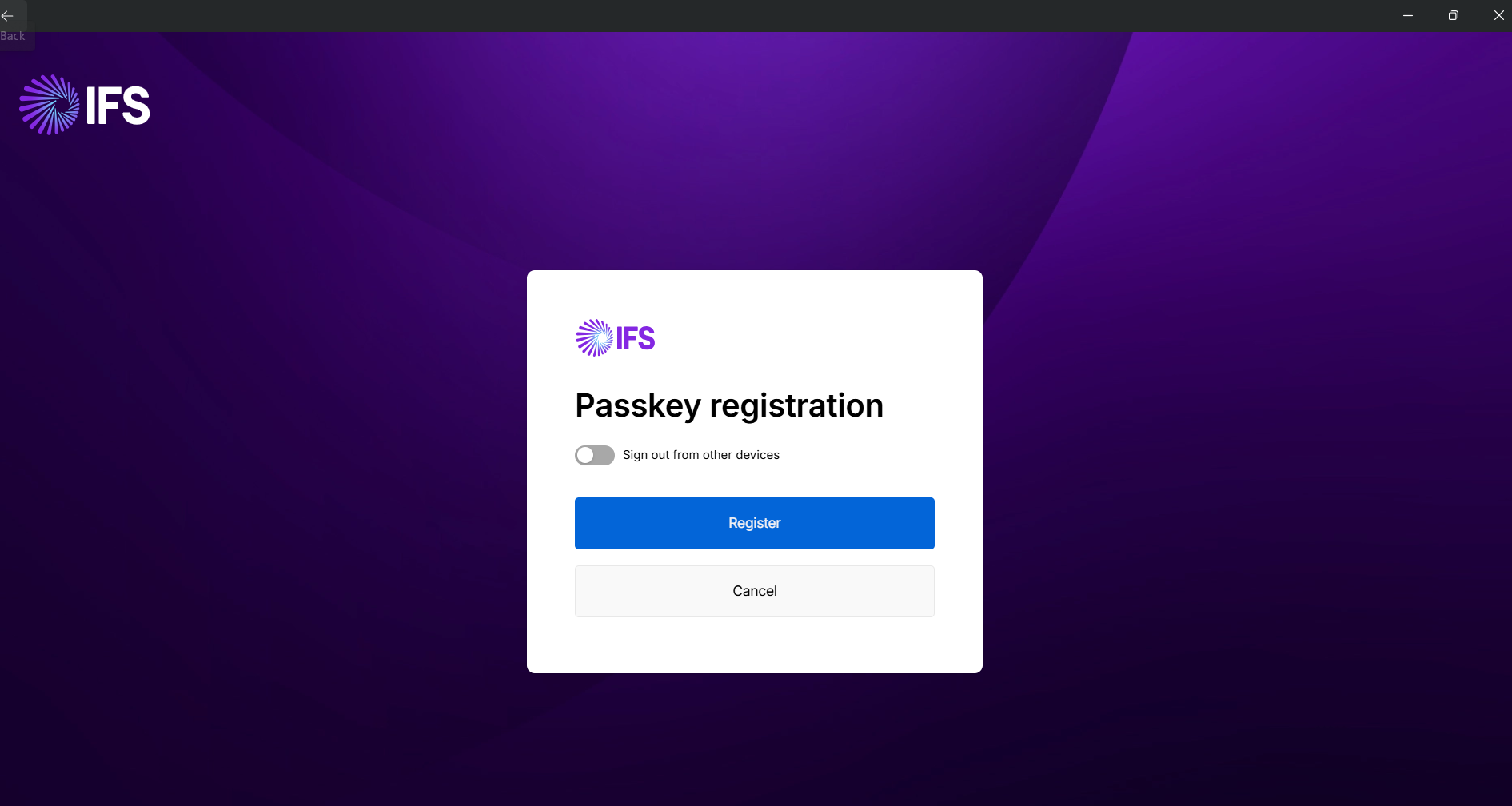
This needs to be done once by the end user for each device.
Login Using Passwordless Authentication
Once enabled, the application will be able to use the device's biometric/pin authentication mechanism when authentication is required.
On the login page you need to choose Sign in with a passkey.
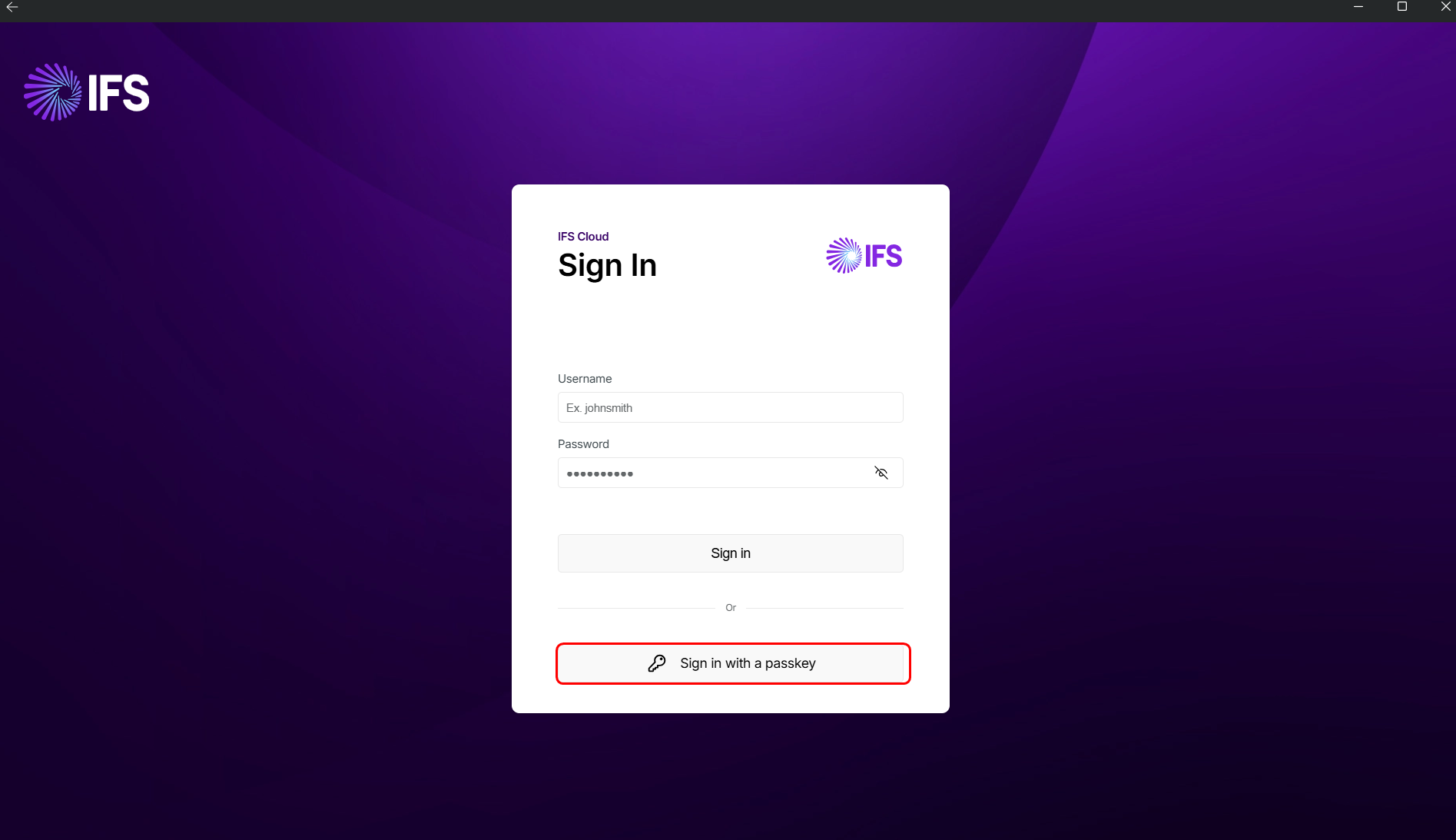
If passwordless authentication becomes unavailable on the device, users can sign in using the standard authentication method.
Supported Authentication Methods
The available authentication method depends on the device and operating system and may include:
- Fingerprint recognition
- Facial recognition
- Other platform-supported biometric methods
- Pin code
Security
IFS Mobile Apps rely on the device's built-in biometric/authentication capabilities. Biometric/authentication data is managed by the operating system and is not stored by the application.
Limitations
Passwordless authentication is only available on devices that supports it.
It will not work with secondary URL (similar as SSO). You have to always use primary URL to use passkey authentication,
An initial standard login is required in order to register passwordless authentication.