IFS Cloud Embedded Dashboards
This page describes how Embedded Dashboards can be accessed and viewed within IFS Cloud Web.
IFS Cloud Embedded Dashboards are connected to the Data Products of the Data Services Platform (DSP), which are created and maintained by IFS Data Product Developers(currently internal IFS RnD). These dashboards use Apache Superset as the visualization engine, hosted within the IFS.ai Platform. Superset provides modern and interactive dashboard capabilities, while the Trino query engine is used to efficiently retrieve and render the underlying data.
All embedded dashboards are predefined and cannot be customized directly within IFS Cloud.
For more information about Data Services Designer, refer to Data Services Designer.
Dashboard Access Configuration
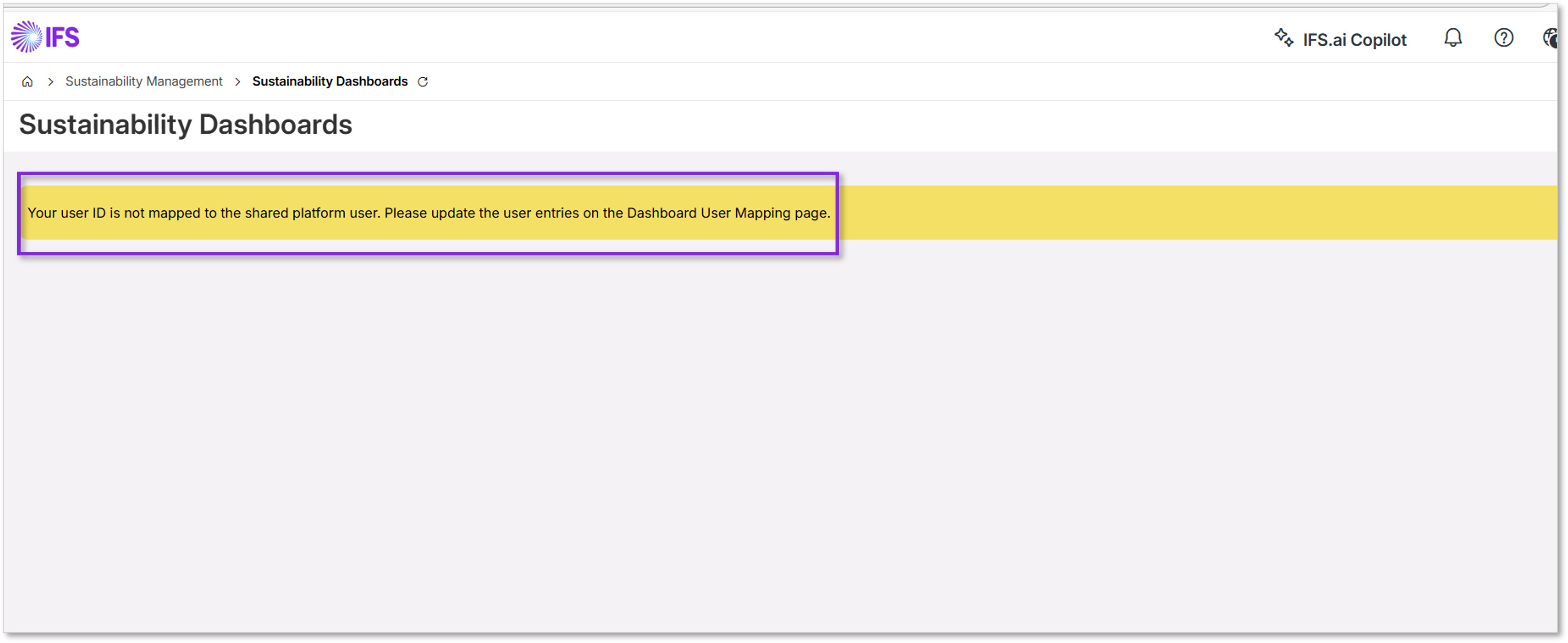
To view the embedded dashboards, Dashboard User Mapping must first be configured. This mapping links the IFS Cloud user account with the corresponding User ID (email) in the IFS.ai Platform.
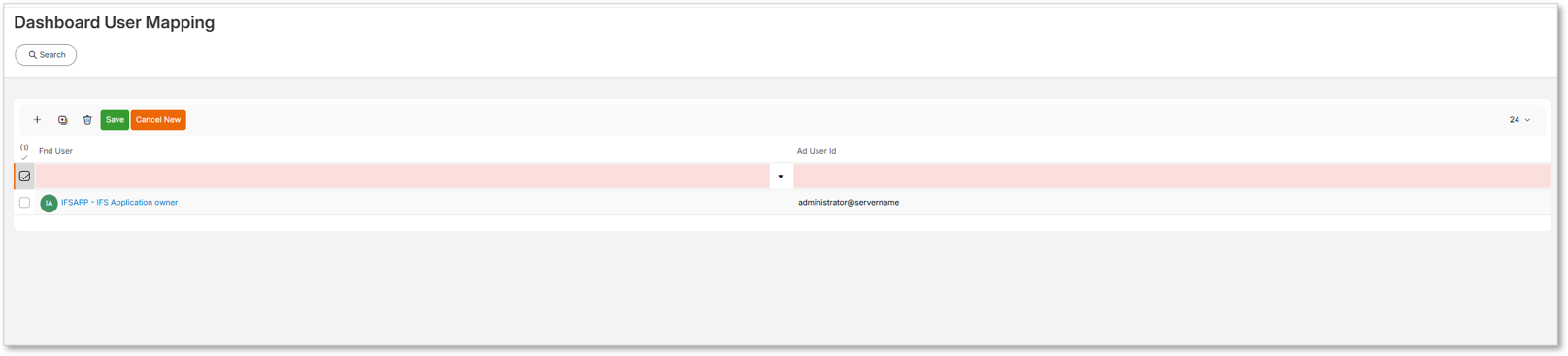
Follow these steps to configure the mapping:
- Navigate to the Dashboard User Mapping page. Navigation path: Reporting and Analysis->Solution Manager->Data Services->Dashboard User Mapping.
- Click the + icon to create a new entry and select the Fnd User.
- The AD User ID field is automatically populated using the default directory email.
- If required, update the AD User ID so that it matches the correct IFS.ai Platform User ID (email).
- After completing the mapping, log in as the respective user and open the dashboard.
Key Features of Embedded Dashboards
Each embedded dashboard provides the following capabilities:
- Filtering
- Full-screen view
- Export options (PDF or Image)
- Refresh functionality
- Automatic refresh based on intervals
- Explicit refresh
Available Dashboards
Currently, the Sustainability dashboard is available out of the box.
Read more about Sustainability Dashboards.
If the IFS Cloud user does not have the required permissions to access these dashboards, an access-related message will be displayed.